From Photo to avatar: Full Image Editor Guide
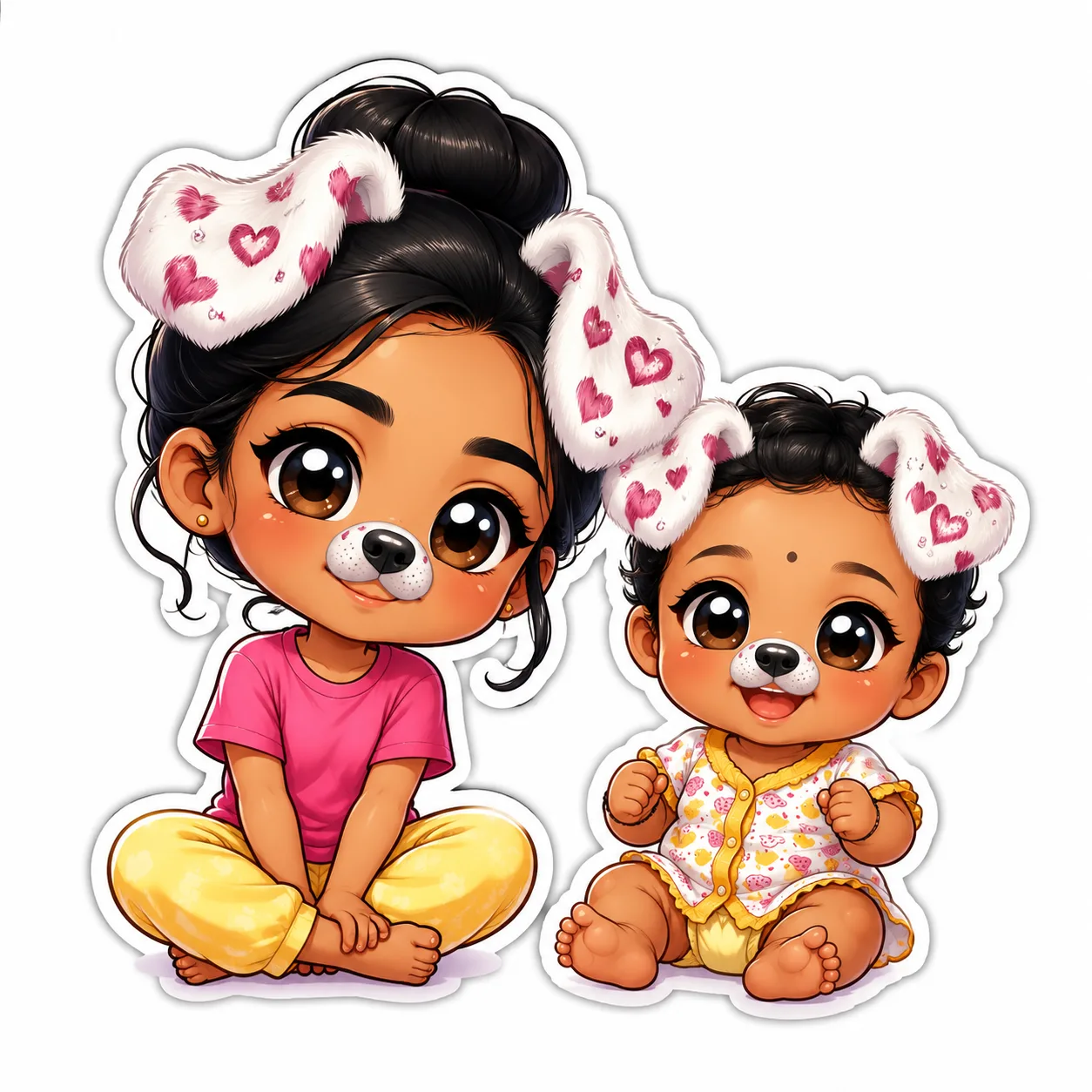
Learn how to turn any photo into a cute chibi avatar using chibi.pics. No drawing skills needed — just upload, customize, and generate with our AI chibi generator.
Creating a chibi avatar from your photo has never been easier. At chibi.pics, you can transform any photo into an adorable, stylized chibi character — no drawing skills or prompt engineering required. This guide walks you through the full image editing process using our powerful AI tools, perfect for social media avatars, custom emojis, or fun digital art.
Why Choose chibi.pics for Avatar Creation?
Chibi art is beloved for its cute, exaggerated features and expressive charm. Whether you're on Instagram, Discord, or TikTok, a personalized chibi avatar makes your online presence stand out. With chibi.pics, you don’t need to know how to draw chibi characters or spend hours learning anime styles. Our AI-powered platform generates stunning chibi art in seconds, using advanced models like Nano Banana Pro.
Step-by-Step: Turn Your Photo Into a Chibi Avatar
1. Upload Your Photo
Go to chibi.pics and select the Image to Image or Custom Chibi generator. Click "Upload" and choose a clear photo of yourself. Front-facing images with good lighting work best for accurate facial mapping.
2. Choose Your Style Template
Browse through our wide range of chibi art styles — from kawaii anime to cartoon clipart. Each template applies unique colors, proportions, and details. You can preview how your chibi will look before generating.
3. Customize Pose and Expression
If you’re using the Custom Chibi Generator, adjust the pose using the interactive stick-figure slider. Select from joyful smiles, playful winks, or cool neutral looks. This level of control ensures your chibi reflects your personality.
4. Generate & Edit with AI
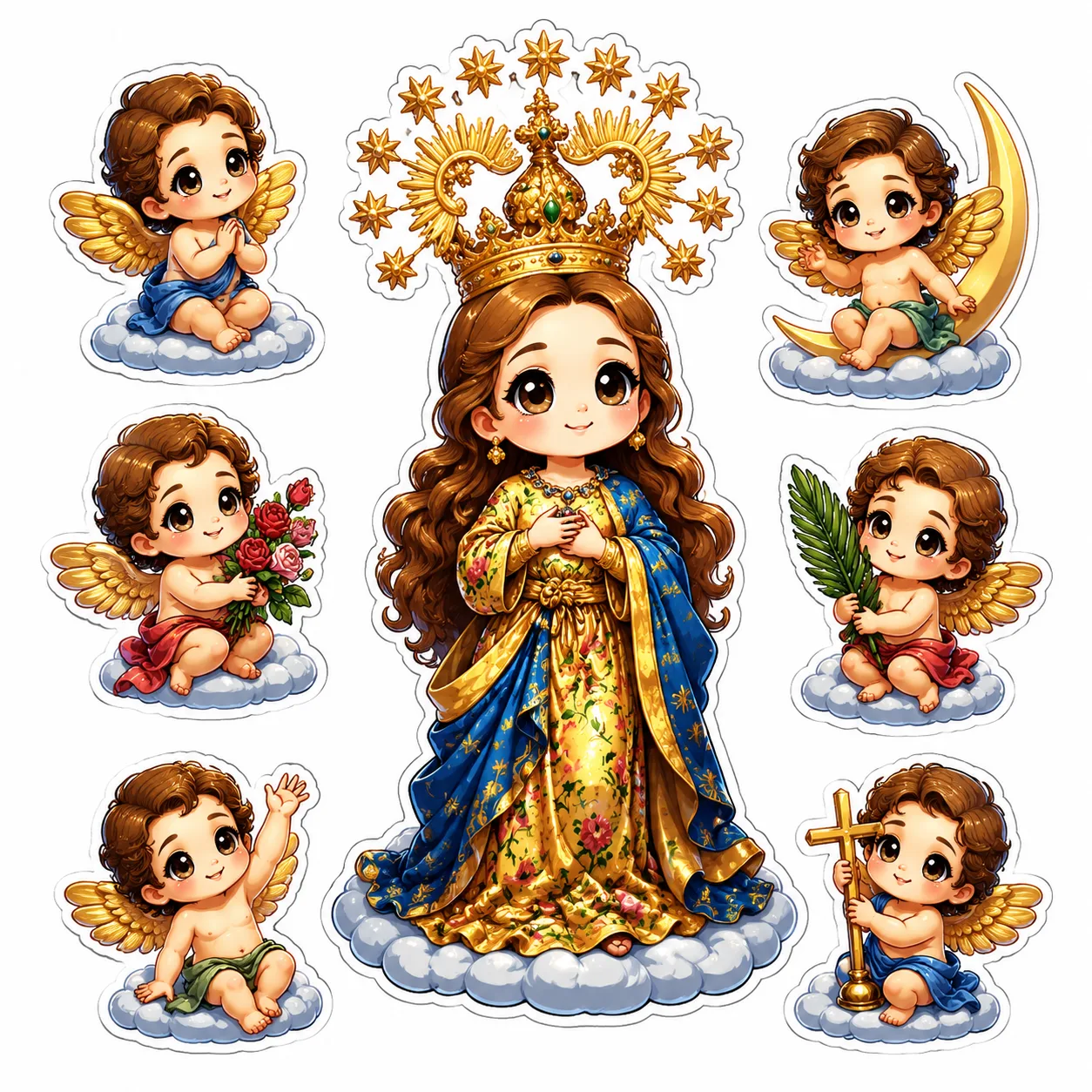
Click “Generate” to create your first draft. Then, use the AI Nano Banana Pro Image Editor to refine details. Want bigger eyes? Softer hair? Just type a simple edit prompt like "fluffy pink hair, sparkly eyes" — the AI handles the rest.
5. Download and Share
Once satisfied, download your high-resolution chibi avatar. Use it as a profile picture, print it on merch, or turn it into stickers and GIFs using other generators on the site.
More Fun Features You’ll Love
After creating your chibi, explore more ways to use it:
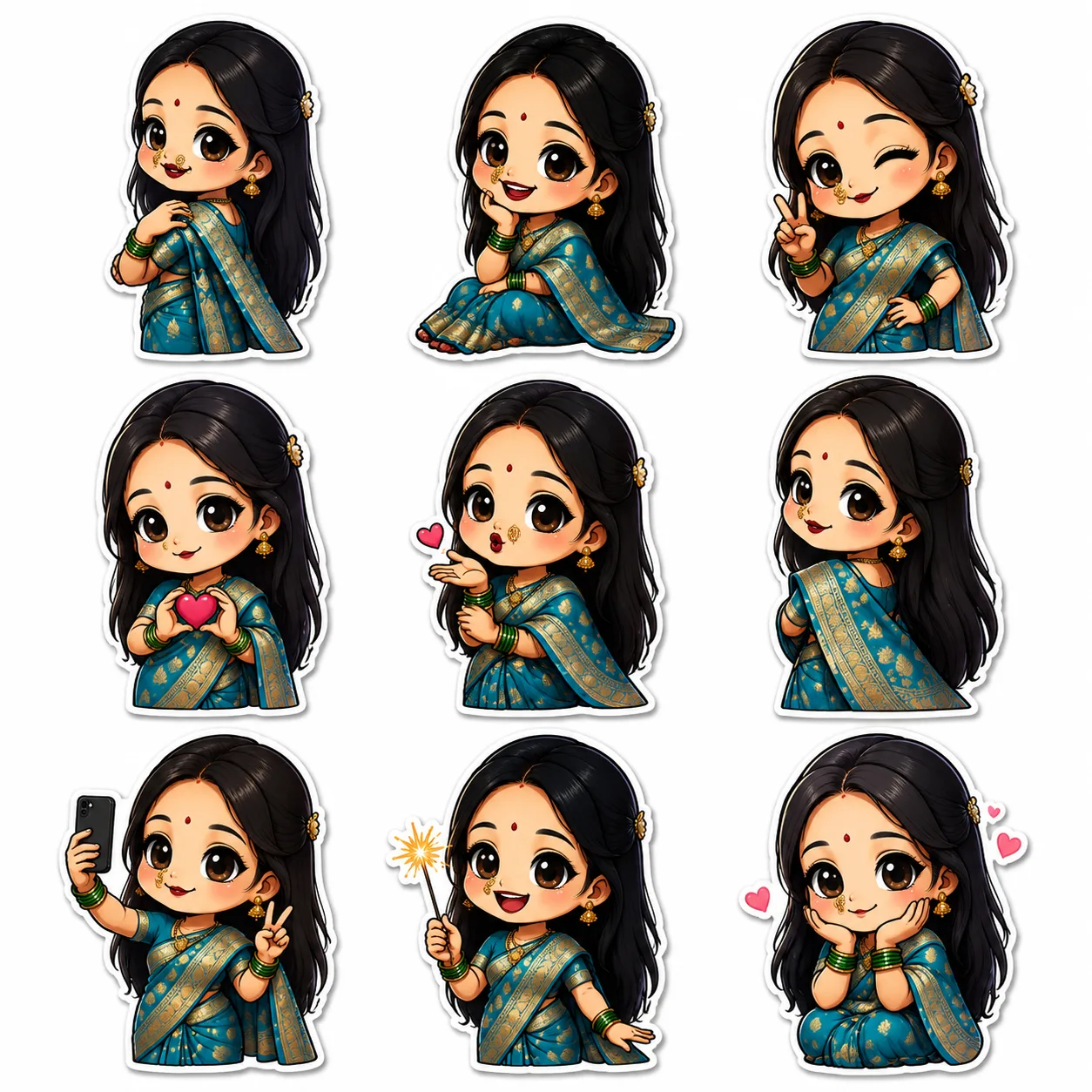
- Emoji Pack: Turn your chibi into 16 themed emojis (happy, angry, surprised) for messaging apps.
- Puzzle Game: Convert your avatar into a shareable 9-puzzle game for friends.
- Image Animate: Bring your chibi to life with motion videos — dance, wave, or jump!
No Drawing Skills? No Problem!
If you’ve ever wondered how to draw chibi but felt intimidated by complex tutorials, chibi.pics is your solution. Forget struggling with chibi drawing bases or proportion guides. Our AI chibi generator does all the work — just upload, customize, and generate. Whether you want a chibi girl, a pet portrait, or a couple merge, everything is one click away.
Best of all, chibi.pics offers a free plan to get started, with premium options for higher resolution and faster processing. Available in English, Spanish, French, Japanese, Chinese, and Arabic, it’s the most accessible chibi maker online.
Ready to become a chibi? Visit chibi.pics today and create your perfect avatar in minutes!
التعليقات
شارك رأيك حول هذا مقال.
يجب تسجيل الدخول لنشر تعليق.
تسجيل الدخول للتعليق