
How to Use Couple Merge to Create profile picture
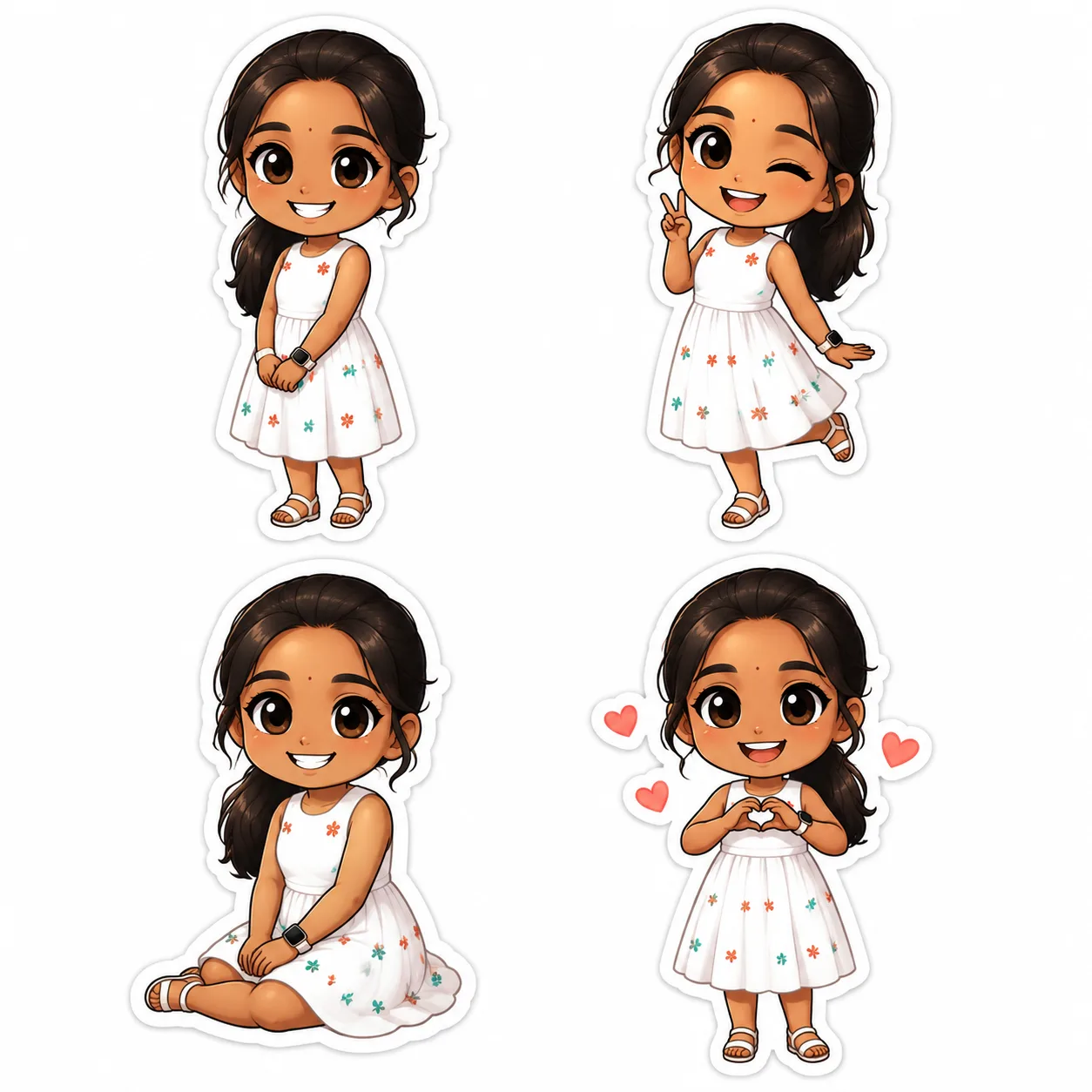
Learn how to use the Couple Merge feature on chibi.pics to create cute chibi couple profile pictures without drawing skills or writing prompts.
Looking for a fun and creative way to showcase your relationship? With chibi.pics, you can easily create adorable couple profile pictures — no drawing skills or complex AI prompts needed. Whether you're customizing your Instagram bio, setting a new Discord avatar, or just celebrating your bond, the Couple Merge feature lets you generate charming chibi-style portraits in seconds.
What Is Couple Merge?
The Couple Merge tool on chibi.pics combines two individual photos into one unified image, transforming you and your partner into cute, cartoonish chibi characters. You can choose between realistic or stylized chibi outputs using pre-designed templates. This makes it perfect for couples who want a unique digital identity without spending hours learning how to draw chibi art.
Why Use Chibi Couple Pictures?
Chibi art is known for its exaggerated cuteness — big heads, small bodies, and expressive faces. These traits make chibi characters ideal for social media avatars, where clarity and charm matter more than realism. Creating a shared chibi avatar strengthens your online presence as a couple and adds personality to your profiles across platforms like TikTok, WhatsApp, and Reddit.
Step-by-Step: How to Use Couple Merge
Follow these simple steps to create your own couple profile picture using the ai chibi generator on chibi.pics:
1. Upload Both Photos
Navigate to the Couple Merge tool on chibi.pics. Click to upload one photo of each partner. Make sure the faces are clearly visible and well-lit for the best results. The system works best with close-up portraits but can handle full-body shots too.
2. Choose Your Style Template
Browse through available templates that range from romantic poses to playful interactions. You can select either a realistic fusion or go fully into chibi anime style. Each template adjusts how the two images are blended — side by side, hugging, or even dancing together.
3. Preview and Customize
Once the merge is generated, preview your chibi couple image. If desired, use the AI Nano Banana Pro Image Editor to tweak colors, backgrounds, or expressions. While the default output is often perfect, this step gives extra control for those seeking minor refinements.
4. Download and Share
After finalizing your design, download the high-resolution image. It's now ready to be set as your joint profile picture! Share it on Instagram stories, send it in messages, or print it for a digital frame.
Can't Draw? No Problem!
If you've ever wondered how to draw chibi characters or struggled with proportions in chibi drawing base sketches, you're not alone. Traditional chibi art requires practice in anatomy and expression. But with chibi.pics, anyone can bypass the learning curve. Our AI-powered tools, including the Custom Chibi Generator and Text to Image features, let you generate professional-quality chibi art instantly — no sketching required.
Whether you’re looking to create avatars, stickers, or animated videos, chibi.pics supports multiple languages (including English, Spanish, French, Chinese, Japanese, and Arabic) and offers both free and premium plans. Start today and bring your imagination to life with the easiest ai chibi generator online!
التعليقات
شارك رأيك حول هذا مقال.
يجب تسجيل الدخول لنشر تعليق.
تسجيل الدخول للتعليق