chibi Drawing Tips for Perfect Chibi Art
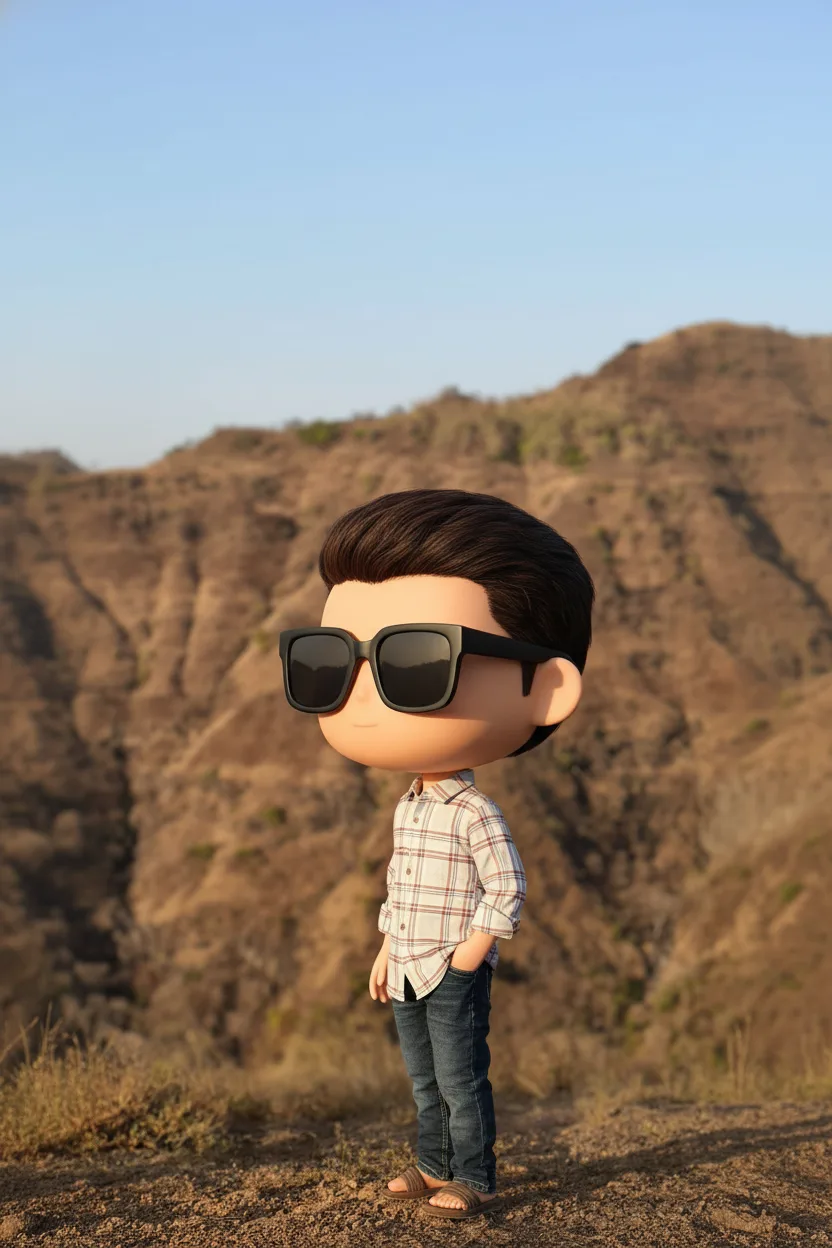
Learn essential chibi drawing tips for perfect chibi art, from proportions to poses. Discover how to create cute chibi characters easily with ai chibi generator tools.
Creating adorable chibi art has never been easier, especially with the growing popularity of kawaii culture and digital avatars. Whether you're aiming to design a cute profile picture for Instagram or craft expressive stickers for Discord, mastering the basics of chibi drawing can elevate your personal branding. At chibi.pics, we make it simple to generate stunning chibi illustrations — even if you've never picked up a pencil.
Why Learn Chibi Drawing Basics?
Chibi art style is all about exaggeration: oversized heads, tiny bodies, and big, expressive eyes. While learning to draw chibi characters manually helps build artistic understanding, not everyone has time to master proportions and poses. That’s where our AI-powered tools come in — but knowing the fundamentals enhances your ability to guide and refine generated results.
Step 1: Understand Proportions – The Classic 1:2 Ratio
Traditional chibi characters follow a 1:2 head-to-body ratio, meaning the head takes up half the total height. This creates that iconic cute look. When sketching by hand, start with a large circular head, then add a small torso, stubby arms, and short legs. Keep limbs simple and rounded for maximum cuteness.
Step 2: Master Chibi Poses
Dynamic chibi poses bring personality to your character. Common stances include waving, jumping, or holding objects like hearts or cupcakes. Use reference images to study angles, or try our Custom Chibi tool, which lets you adjust pose templates using intuitive drag-and-drop controls — no drawing skills needed.
Step 3: Design Expressive Faces and Hair
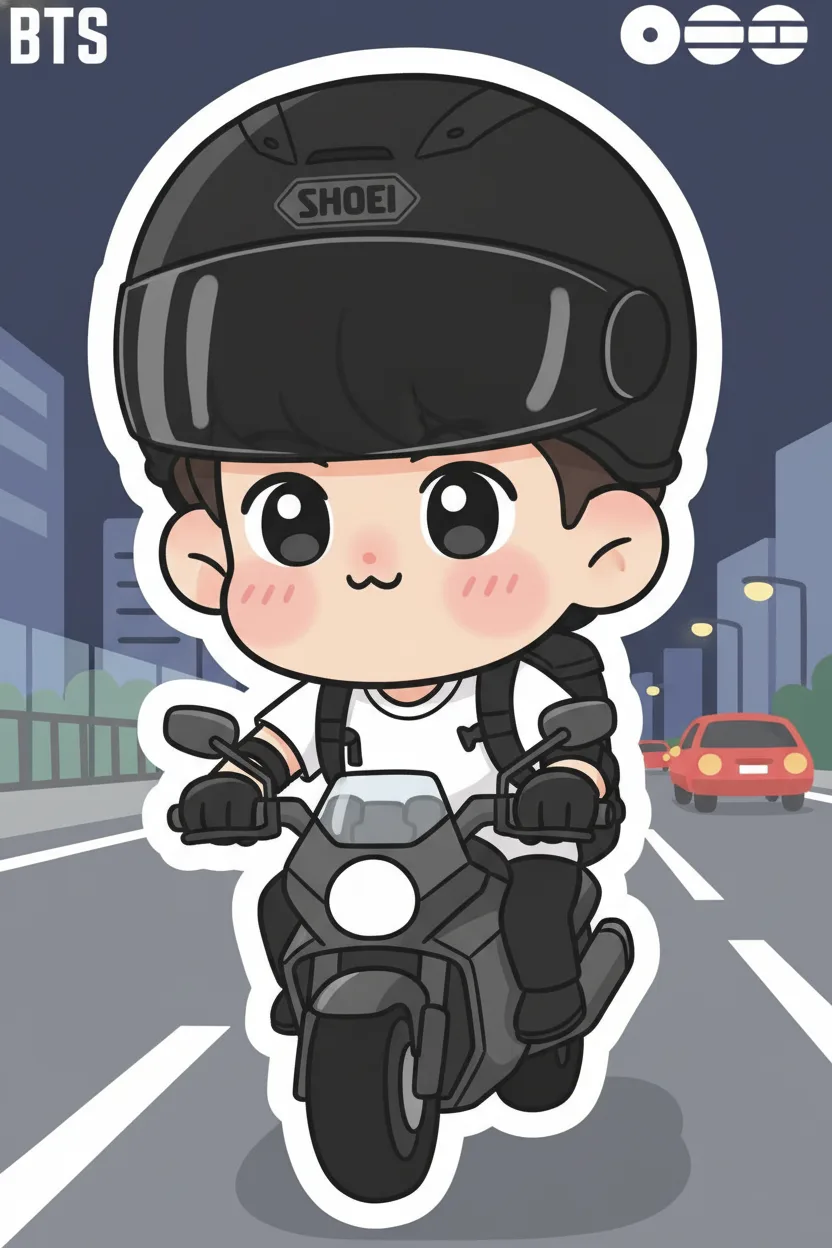
Facial expressions define chibi charm. Big eyes, blushing cheeks, and tiny mouths convey emotion instantly. For hair, think bold shapes — spikes, buns, or flowing locks — styled in ways that match the character’s vibe. Our Text to Image generator includes pre-built prompts for various hairstyles, so you can create unique looks without typing complex descriptions.
Step 4: Choose the Right Style and Color Palette
From anime-inspired to pastel kawaii, chibi art comes in many styles. Consider your use case: soft pinks and purples work well for social media avatars, while vibrant colors suit emoji packs. With chibi.pics, you can select from multiple art styles including watercolor, pixel art, and cartoon line art — all accessible via one click.
Skip the Learning Curve — Generate Perfect Chibi Art Instantly
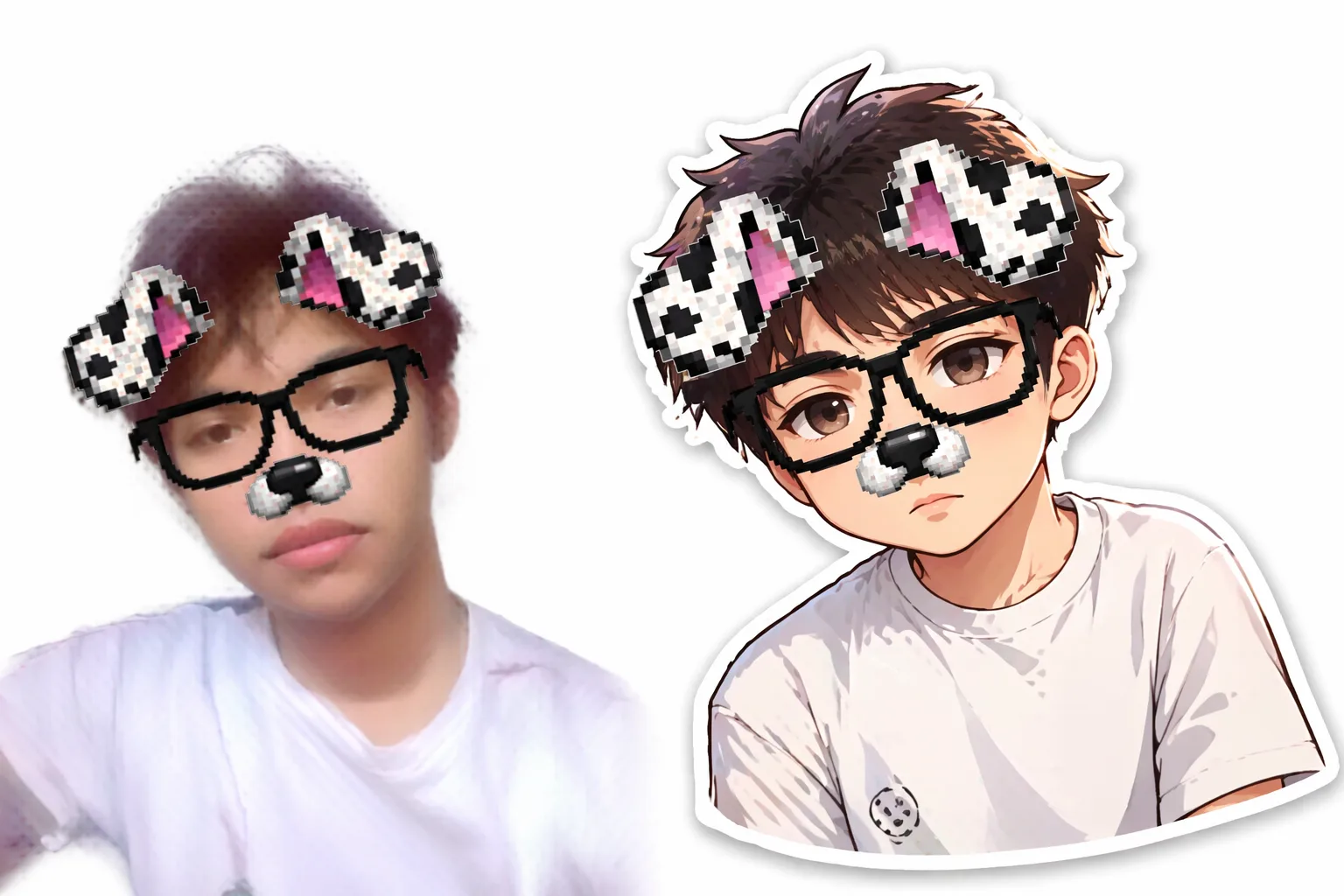
If drawing feels overwhelming, don’t worry! chibi.pics offers an effortless alternative. Using our AI Chibi Generator, anyone can create professional-quality chibi avatars in seconds. Just upload a photo or enter a text description — no need to understand chibi drawing base techniques or write detailed prompts.
Explore powerful features like:
- Emoji Pack: Turn your likeness into 16 themed emojis
- Image to Image: Transform real photos into chibi art
- Couple Merge: Combine two portraits into a romantic chibi scene
- Pet Portrait: Make your furry friend the star of a chibi illustration
All tools are beginner-friendly, support multiple languages (including English, Japanese, Spanish, and Arabic), and offer a free plan to get started. Whether you’re crafting content for TikTok, designing avatars for gaming, or just having fun, chibi.pics makes creativity accessible to everyone.
Comments
Share your thoughts about this article.
You must be signed in to post a comment.
Sign in to comment