From Photo to streamer assets: Full Image Animate Guide
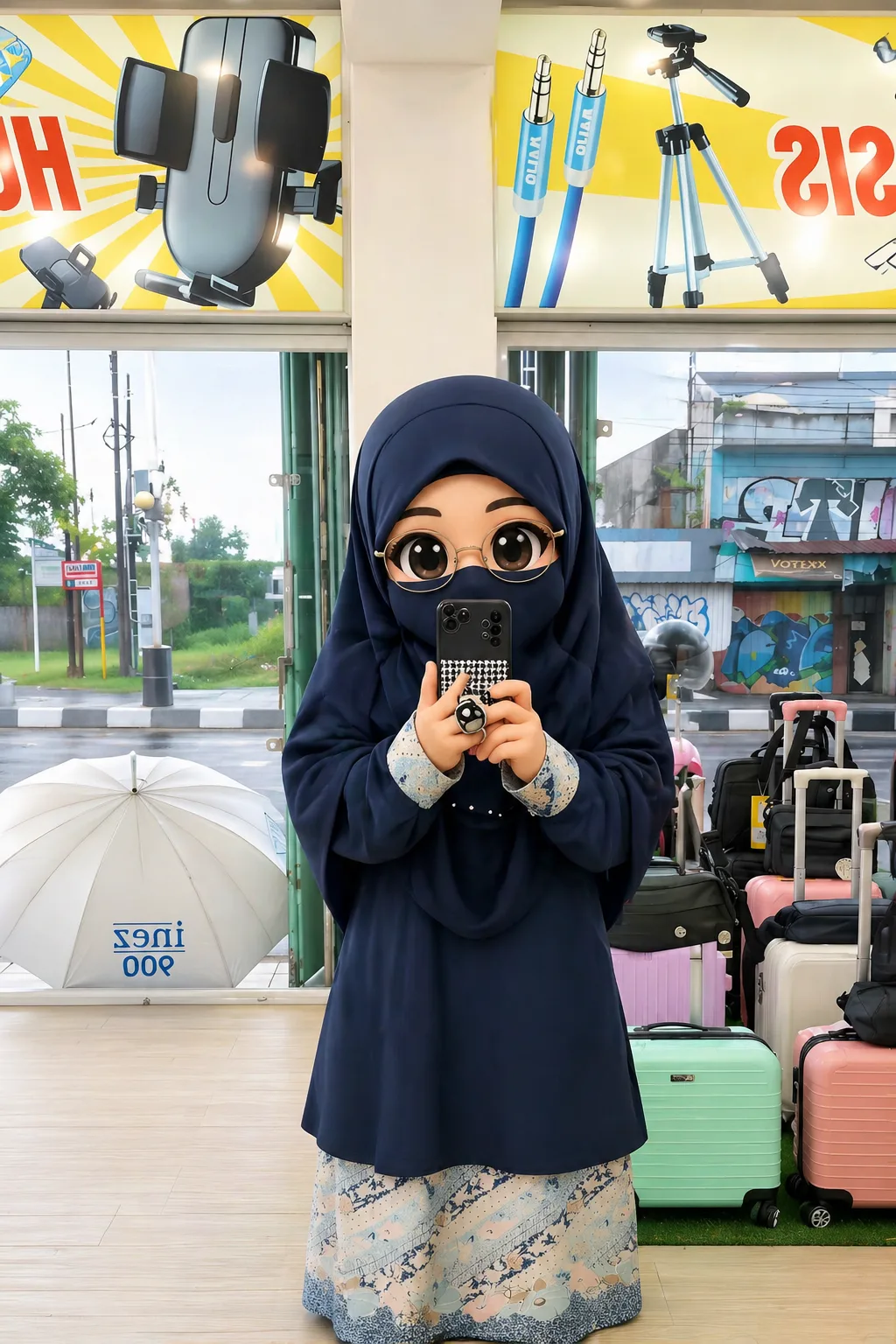
Learn how to turn any photo into animated chibi streamer assets using chibi.pics. No drawing skills needed — create expressive avatars and emojis fast.
Creating engaging digital content for streaming platforms like Twitch or YouTube has never been easier. With chibi.pics, you can transform any photo into vibrant, animated chibi-style assets perfect for stream overlays, avatars, and social media engagement — all without needing drawing skills or prompt engineering knowledge.
Why Use Chibi Art for Streamer Assets?
Chibi art, known for its super-deformed, kawaii-inspired style, is highly popular in anime and gaming communities. Its exaggerated features and expressive nature make it ideal for capturing attention during live streams. Whether you're building a brand identity or just want fun, personalized emojis, chibi characters add charm and personality.
At chibi.pics, our AI-powered tools let anyone create professional-quality chibi content instantly. From static avatars to full-motion animations, the platform supports creators at every level.
Step 1: Upload Your Base Photo
Start by uploading a clear photo of yourself (or your subject) using the Image to Image or Custom Chibi generator. The system analyzes facial features and proportions to generate an accurate chibi version. For best results, use a well-lit front-facing image with minimal background clutter.
Step 2: Choose Your Chibi Style
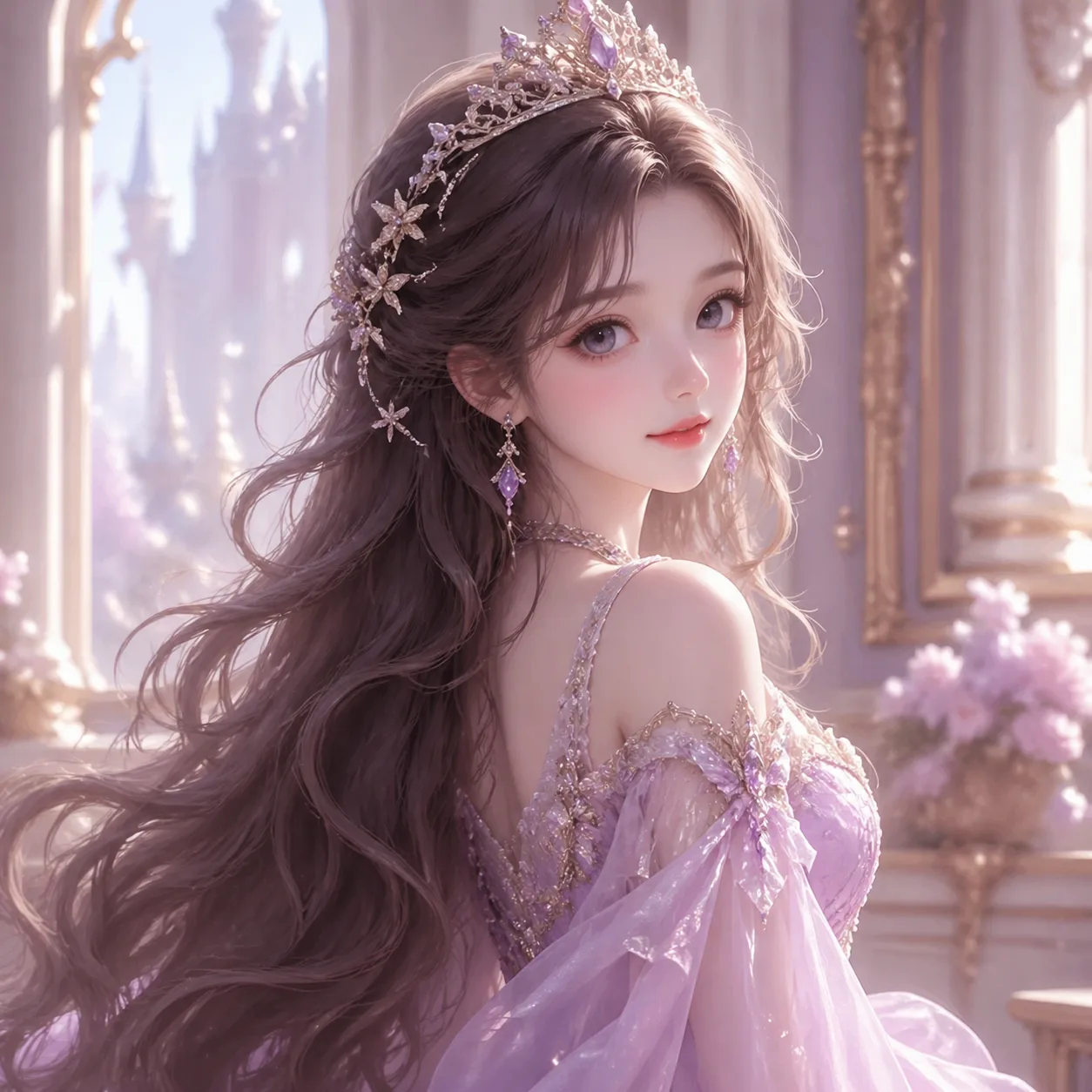
Select from a variety of anime-inspired styles such as kawaii, pixel art, or watercolor. Each style transforms your image uniquely while preserving your likeness. You can preview changes in real time and regenerate until satisfied.
Step 3: Customize Pose & Expression
Using the Custom Chibi Generator, adjust your character’s pose via intuitive drag-and-drop controls. Pick from preset chibi poses like waving, cheering, or sitting. Add emotion with selectable expressions — happy, surprised, sleepy, or mischievous — to match your stream vibe.
Step 4: Generate Animated Assets
Navigate to the Image Animate tool to bring your chibi to life. Upload your generated chibi image and pair it with one of our motion templates — such as nodding, dancing, or waving. The AI seamlessly maps the movement onto your character, creating a smooth animation loop perfect for Discord status icons or stream alerts.
Step 5: Export & Use Across Platforms
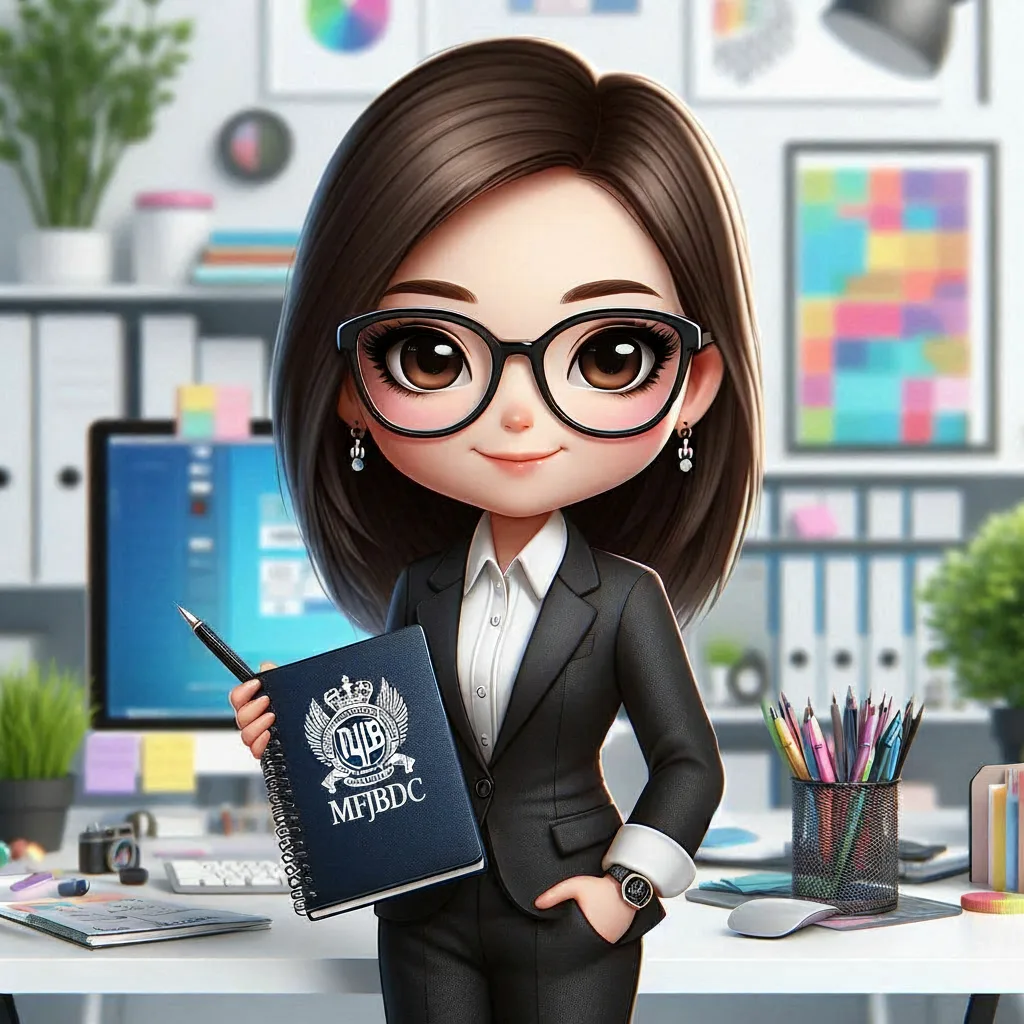
Download your final asset in multiple formats (PNG, GIF, MP4). Use animated versions as Twitch emotes, YouTube thumbnails, or TikTok profile videos. Static images work great as Twitter/X banners or Instagram story highlights.
You can also generate a full Emoji Pack with 16 themed expressions based on your chibi, ideal for community interaction. Just enter a theme like “gaming rage” or “happy dance,” and let the AI do the rest.
No Drawing Skills? No Problem!
If mastering chibi drawing techniques feels overwhelming — especially when learning how to draw chibi body proportions or dynamic chibi poses — chibi.pics offers a stress-free alternative. Our AI Chibi Generator eliminates the need to understand complex anatomy or spend hours sketching.
Whether you’re creating content for Instagram, enhancing your Discord server, or branding your livestream, our platform delivers polished, customizable chibi assets in seconds. Try the free plan today and explore tools like the AI Avatar Generator, AI Sticker Generator, and more — all designed to help you express yourself creatively, effortlessly.
Visit chibi.pics now and start turning photos into captivating streamer assets with just one click.
Comments
Share your thoughts about this article.
You must be signed in to post a comment.
Sign in to comment