
How to Use Custom Chibi to Create character card
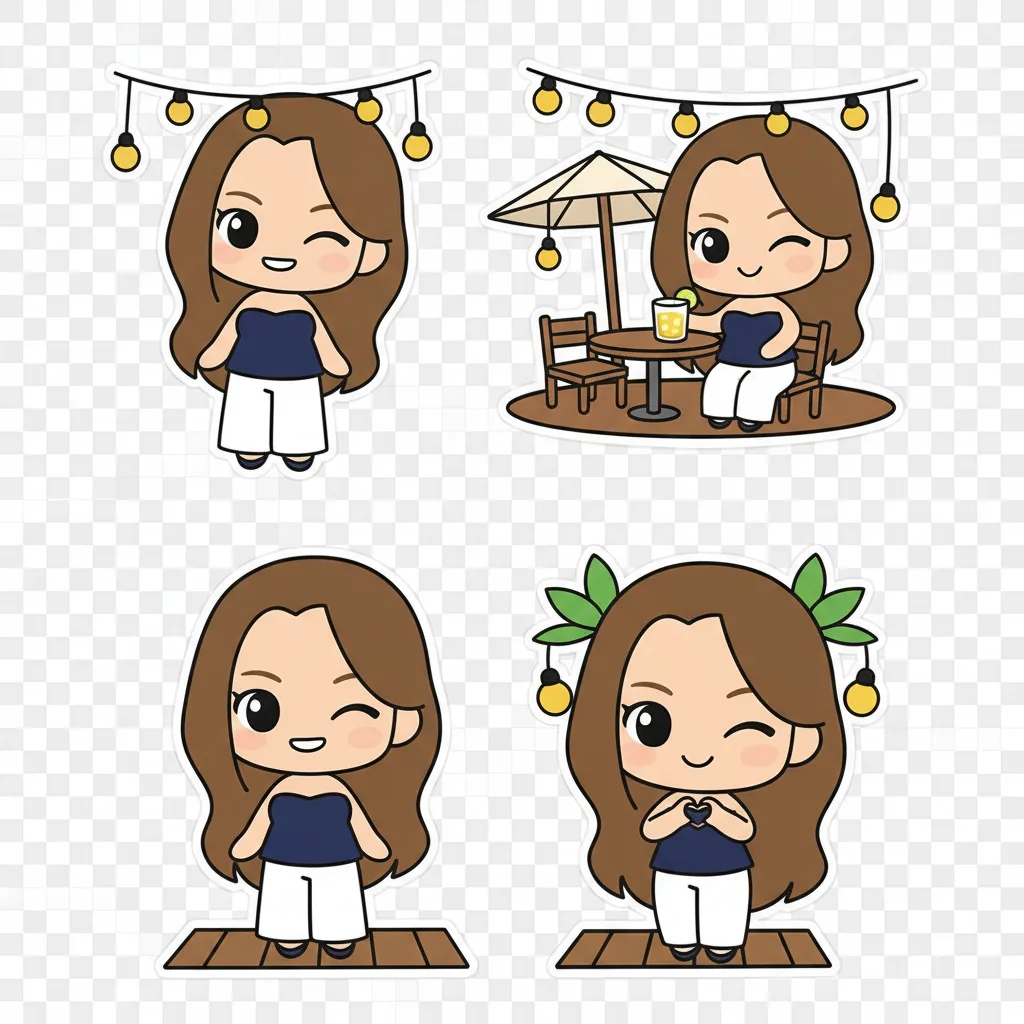
Learn how to use Custom Chibi on chibi.pics to create personalized character cards with custom poses and expressions—no drawing skills needed.
Creating a unique and adorable chibi character card has never been easier, even if you have no drawing experience. At chibi.pics, our AI-powered tools let you generate stunning chibi avatars in seconds—no need to write complex prompts or master digital art. With the Custom Chibi feature, you can fully personalize poses, expressions, and art styles to bring your ideal character to life.
Why Choose Custom Chibi for Your Character Card?
Chibi art is beloved for its exaggerated cuteness—large heads, tiny bodies, and expressive faces that make characters instantly charming. Whether you're creating an avatar for Instagram, a Discord profile picture, or a personalized emoji pack, a custom chibi character adds personality and flair. The Custom Chibi generator on chibi.pics gives you precise control over every detail, making it perfect for crafting one-of-a-kind character cards.
Step 1: Upload Your Photo
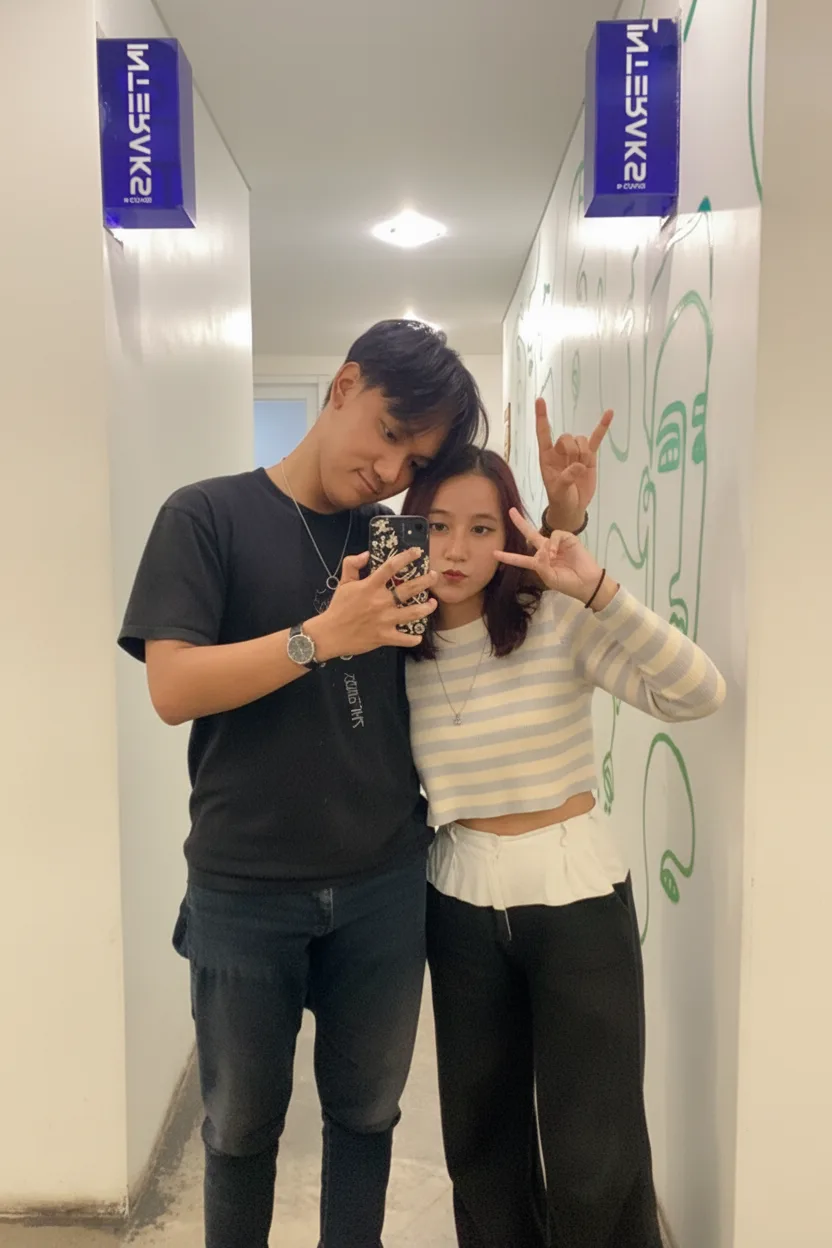
Begin by uploading a clear photo of yourself or your subject. This helps the AI understand facial features and proportions. You don’t need a professional headshot—just a well-lit image with a visible face. Once uploaded, the system will automatically map your features into the chibi style.
Step 2: Adjust the Pose Using the Chibi Base
One of the standout features of Custom Chibi is pose customization. Instead of being limited to static front-facing views, you can adjust the chibi base using intuitive controls. Choose from pre-set stances like waving, sitting, or dancing, or fine-tune the position manually using the fireman-style skeleton guide. This level of control ensures your character card feels dynamic and expressive.
Step 3: Select Facial Expression & Style
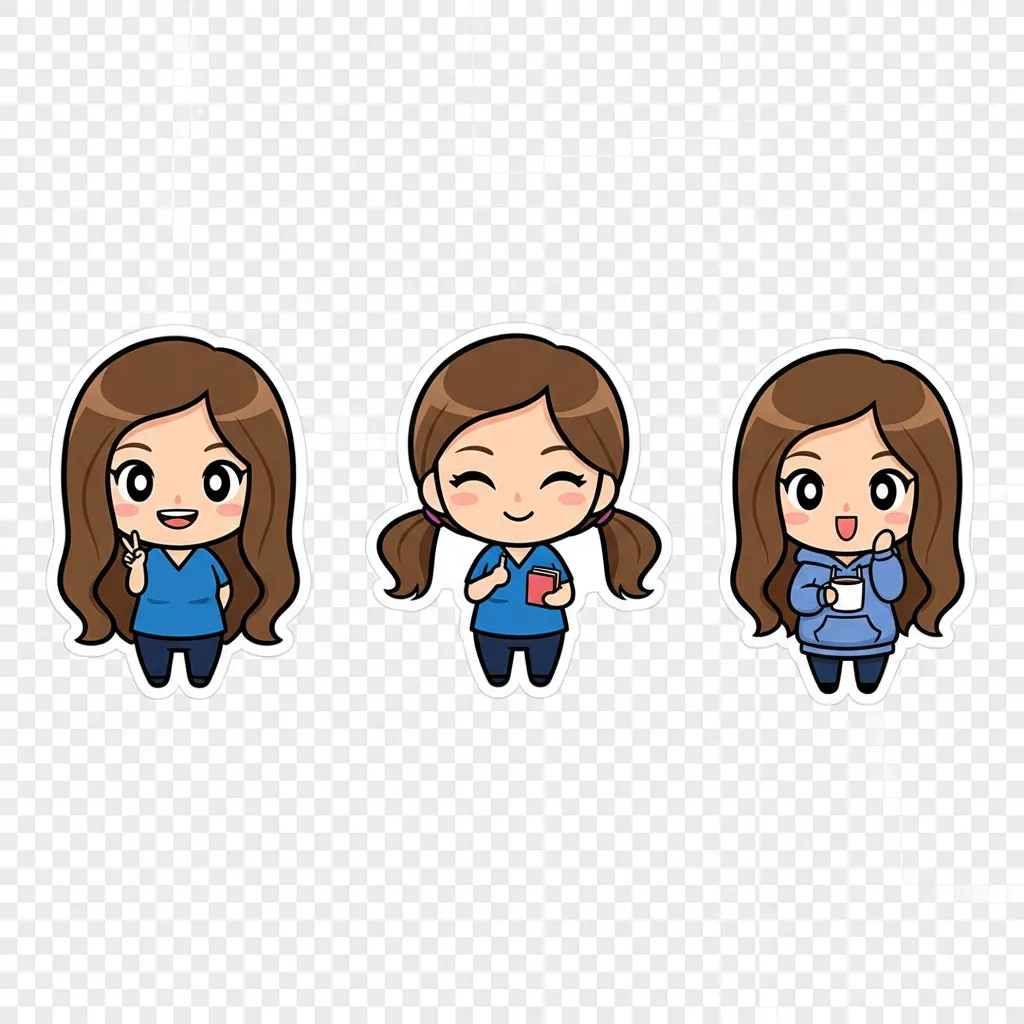
Next, choose your character’s mood. Pick from a range of emotions like happy, surprised, sleepy, or mischievous. Then, select your preferred art style—options include anime-inspired, kawaii, cartoonish, or minimalist chibi clipart. Each style transforms your character while preserving your likeness, giving you endless creative possibilities.
Step 4: Generate & Download Your Character Card
With your pose, expression, and style set, click “Generate.” In seconds, the ai chibi generator produces your custom character card. Preview the result and regenerate if needed until it’s perfect. Once satisfied, download your high-resolution image and use it across social platforms, messaging apps, or print-on-demand products.
Need More Than One? Try Emoji Pack & Puzzle Game!
If you love your chibi character, take it further! Use the Emoji Pack generator to create a full set of 16 themed stickers featuring your chibi in different poses and moods. Or turn your artwork into a shareable 9-grid puzzle game with the Puzzle Game tool—perfect for fun challenges with friends.
Can't Draw? No Problem!
Many fans wonder how to draw chibi characters but feel intimidated by traditional art techniques. While learning to draw chibi involves understanding proportions, stylization, and facial expressions, you don’t need to master it manually. With chibi.pics, anyone can generate professional-quality chibi art instantly. Whether you want a chibi girl, animal, couple, or pet portrait, our AI tools—including Text to Image, Image to Image, and Custom Chibi—make creation effortless. Plus, the platform supports multiple languages and offers a free plan to get started. Try the chibi maker free today and bring your imagination to life!
Comments
Share your thoughts about this article.
You must be signed in to post a comment.
Sign in to comment