How to Use Text to Image to Create Photo Animator
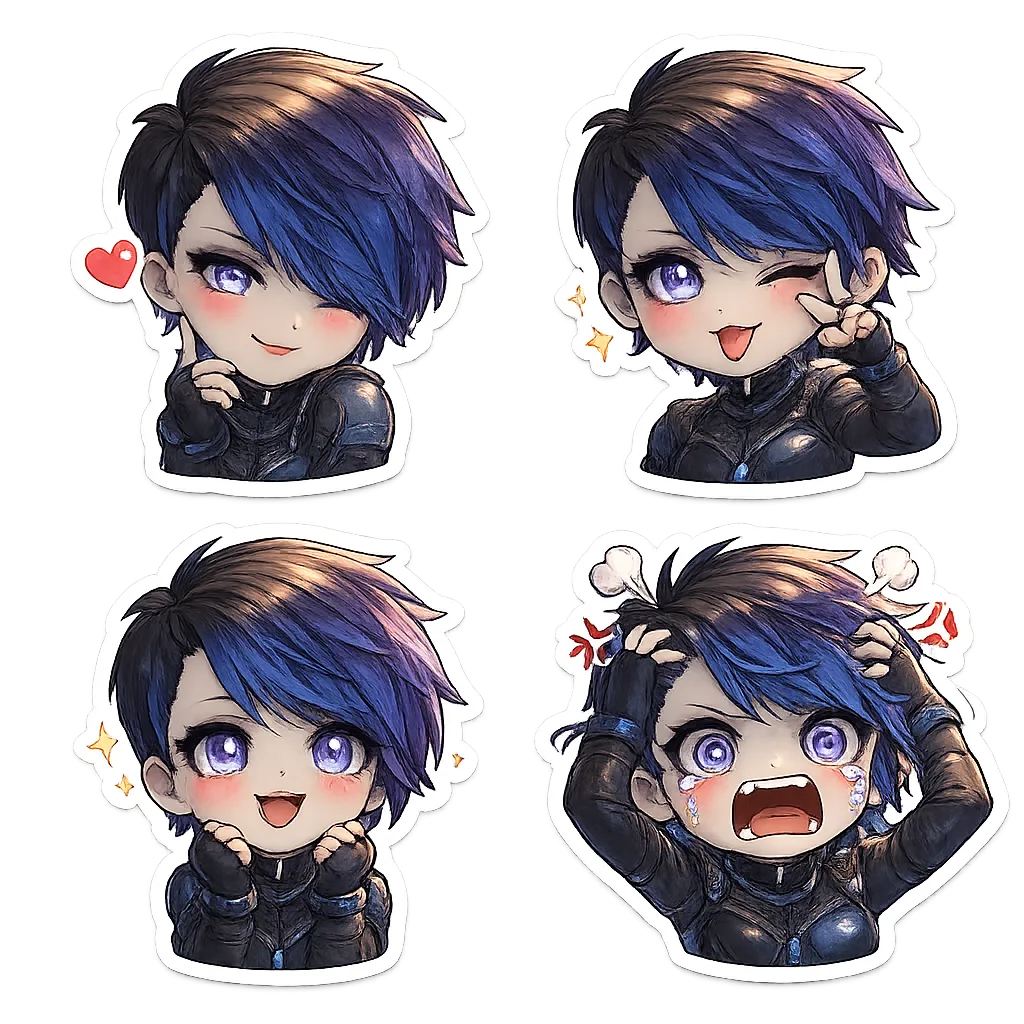
Learn how to use Text to Image on chibi.pics to create animated chibi avatars easily. No drawing skills needed — perfect for beginners using ai chibi generator.
Creating animated chibi characters has never been easier, thanks to the powerful Text to Image feature on chibi.pics. Whether you're a beginner or an experienced digital artist, this tool allows you to generate vibrant, expressive chibi avatars without any drawing skills or complex prompt engineering. In this guide, we’ll walk you through how to use the Text to Image function to create your own photo animator-style chibi animations — all in just a few clicks.
Why Choose chibi.pics for Your Chibi Creations?
Chibi art is beloved for its cute, exaggerated proportions and joyful expressions. At chibi.pics, our mission is to make creating chibi content accessible to everyone. With AI-powered tools like Text to Image, Image to Image, and Image Animate, you can instantly turn ideas into shareable visuals perfect for Instagram, Discord, or personal projects.
No need to write complicated prompts — we provide ready-to-use templates across styles like anime, kawaii, cartoon, and more. Just pick one, customize it slightly, and let the AI do the rest.
Step-by-Step: Using Text to Image to Create a Photo Animator Effect
1. Navigate to the Text to Image Generator
Head over to chibi.pics' Text to Image generator. This tool lets you create unique chibi images from simple text descriptions. You don’t need to be a writer — just describe what kind of character or scene you want (e.g., "a smiling chibi girl with pink hair dancing") or choose from pre-written prompt templates.
2. Select or Customize a Prompt Template
Browse through the available style categories such as "Cute Chibi", "Anime Style", or "Kawaii Animal". Click on any template to auto-fill the prompt box. You can then tweak details like hairstyle, outfit, or background to match your vision.

3. Generate Your Chibi Image
Once your prompt is set, click “Generate”. The AI will process your input and produce a high-quality chibi image within seconds. If the first result isn’t perfect, simply regenerate until you get the look you love.
4. Use Image Animate to Bring It to Life
Now that you have your base chibi image, go to the Image Animate feature at chibi.pics/ai-photo-animator. Upload your generated chibi and select a motion template — options include waving, dancing, blinking, or even talking.
The AI seamlessly maps the movement onto your character, transforming your static image into a lively animation ideal for social media avatars or messaging apps.
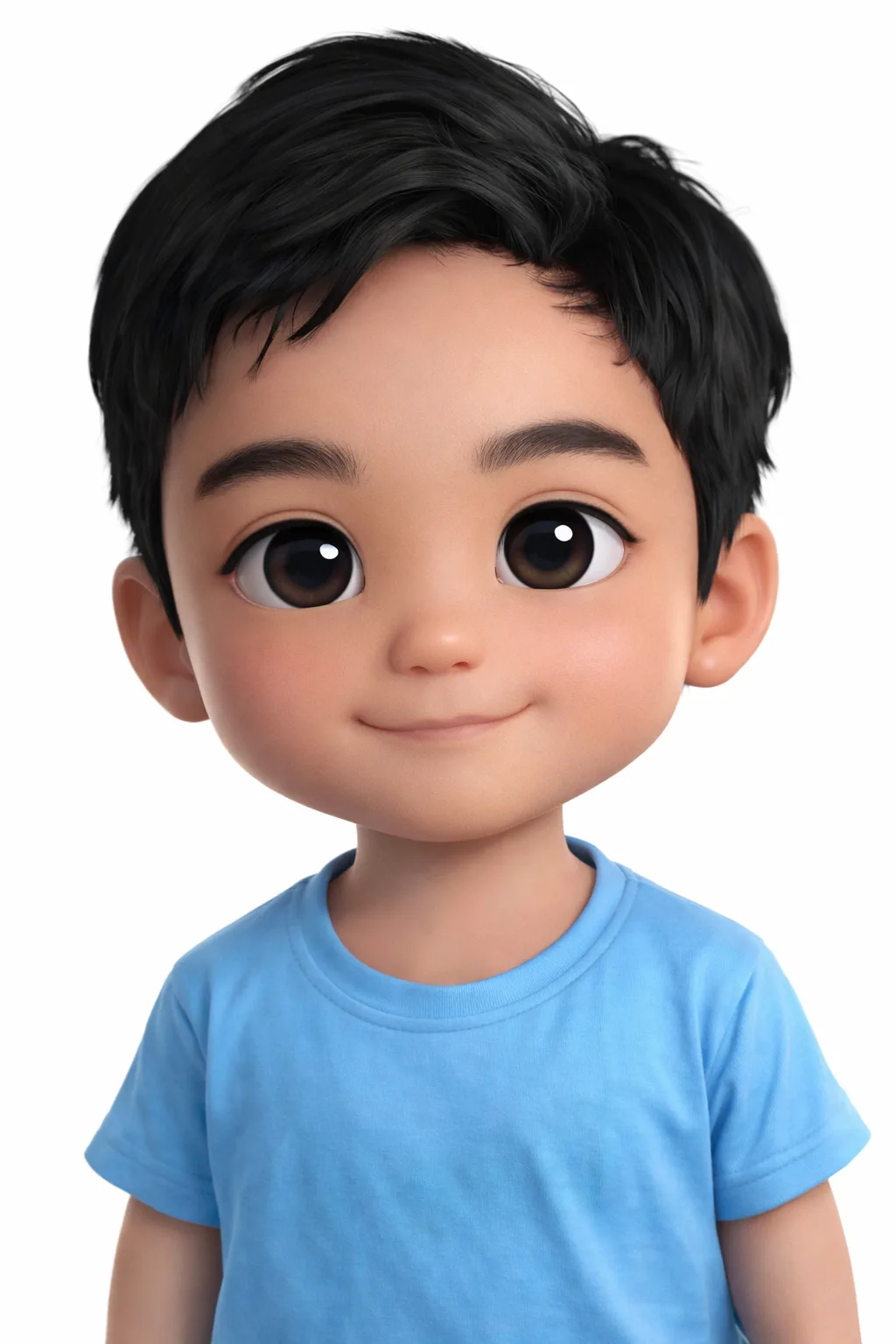
Pro Tips for Better Results
Use Clear Descriptions
While no prompt-writing expertise is needed, clearer inputs yield better outputs. Include key traits like emotion (happy, surprised), pose (sitting, jumping), and accessories (hat, glasses) when customizing your prompt.
Combine with Custom Chibi for Personalization
Want a version of yourself? Try the Custom Chibi Generator. Upload a selfie, adjust the pose using the built-in editor, and apply your favorite style. Then animate it using the same workflow!
Final Thoughts: Make Chibi Magic Without Drawing Skills
If you've ever wanted to draw chibi characters but felt intimidated by traditional methods, chibi.pics removes all barriers. Our Text to Image and Photo Animator tools let anyone — regardless of artistic experience — create professional-looking, animated chibi content in minutes.
Explore free features today at chibi.pics, try different generators, and discover how easy it is to bring your imagination to life. From emoji packs to couple merges, there's a creative tool for every occasion — all designed with simplicity, speed, and fun in mind.
Comments
Share your thoughts about this article.
You must be signed in to post a comment.
Sign in to comment