
cartoon Chibi: Complete Creation Guide
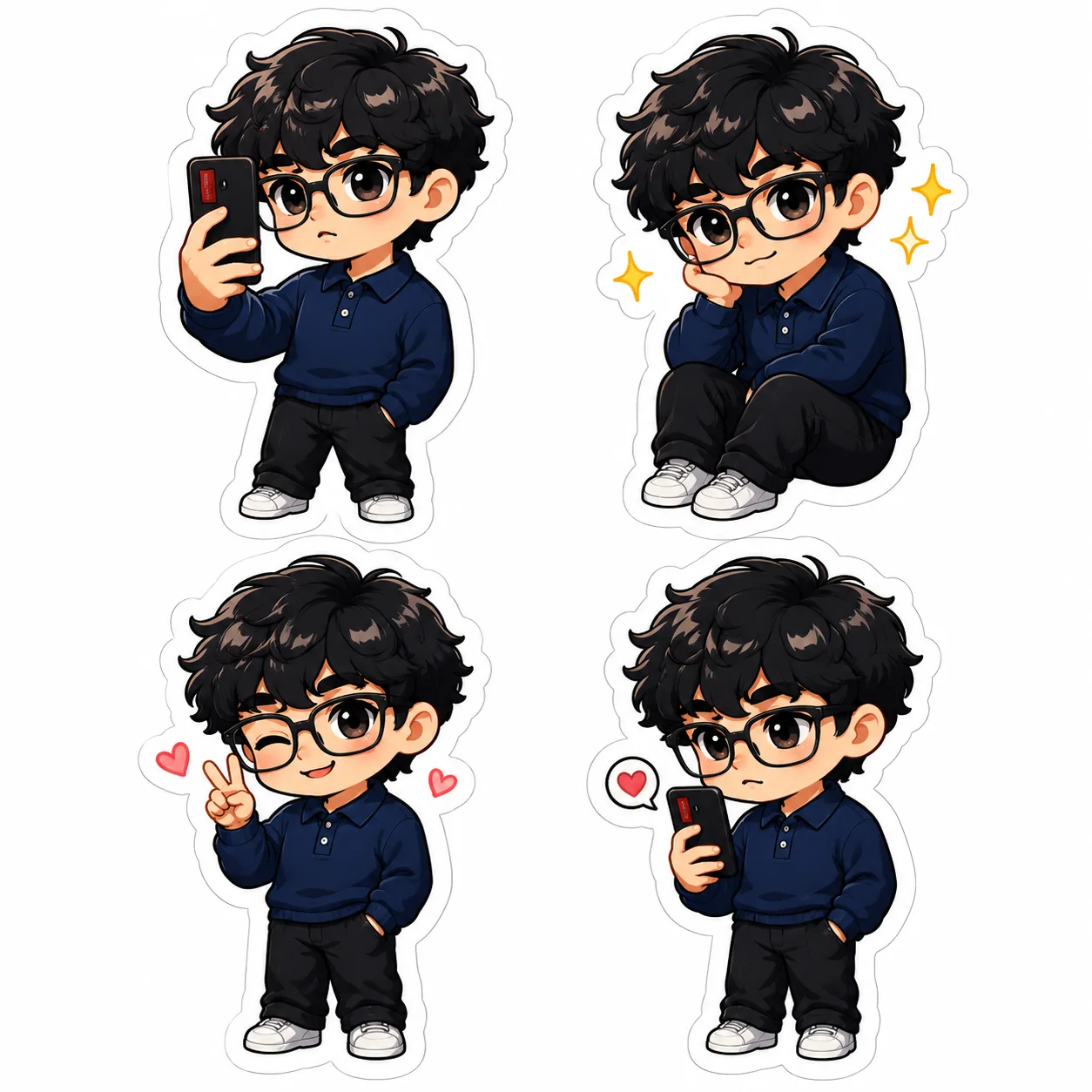
Learn how to create cartoon chibi characters easily using drawing tips and AI tools. Discover how chibi.pics lets anyone generate custom chibi art without skills.
Chibi art, known for its super-deformed style and adorable characters, has taken the digital world by storm. Whether you're a fan of anime or just love cute avatars, creating your own chibi character is now easier than ever — especially with tools like chibi.pics. This guide walks you through everything you need to know about cartoon chibi creation, from drawing basics to using AI-powered generators that eliminate the need for artistic skills.
What Is Chibi Art?
Chibi (meaning "cute" or "small" in Japanese) refers to a stylized form of character design where figures are drawn with oversized heads and tiny bodies, usually in a 1:2 or 1:3 head-to-body ratio. This exaggerated style emphasizes cuteness and expressiveness, making it perfect for avatars, stickers, and social media content.
How to Draw Chibi Characters: A Beginner’s Overview
Step 1: Start With a Chibi Base
The foundation of any chibi drawing is the base sketch. Begin with a large circle for the head and a small line for the body. Most chibi characters stand only two to three heads tall. Use simple shapes to block out limbs and posture — this is often called a chibi drawing base.
Step 2: Define Facial Features and Hair
Chibi faces are highly expressive. Place the eyes low on the face for maximum cuteness. Keep noses and mouths minimal. When drawing chibi hair, go bold and dynamic — think spiky, flowing, or gravity-defying styles that match the character’s personality.
Step 3: Choose Expressive Poses
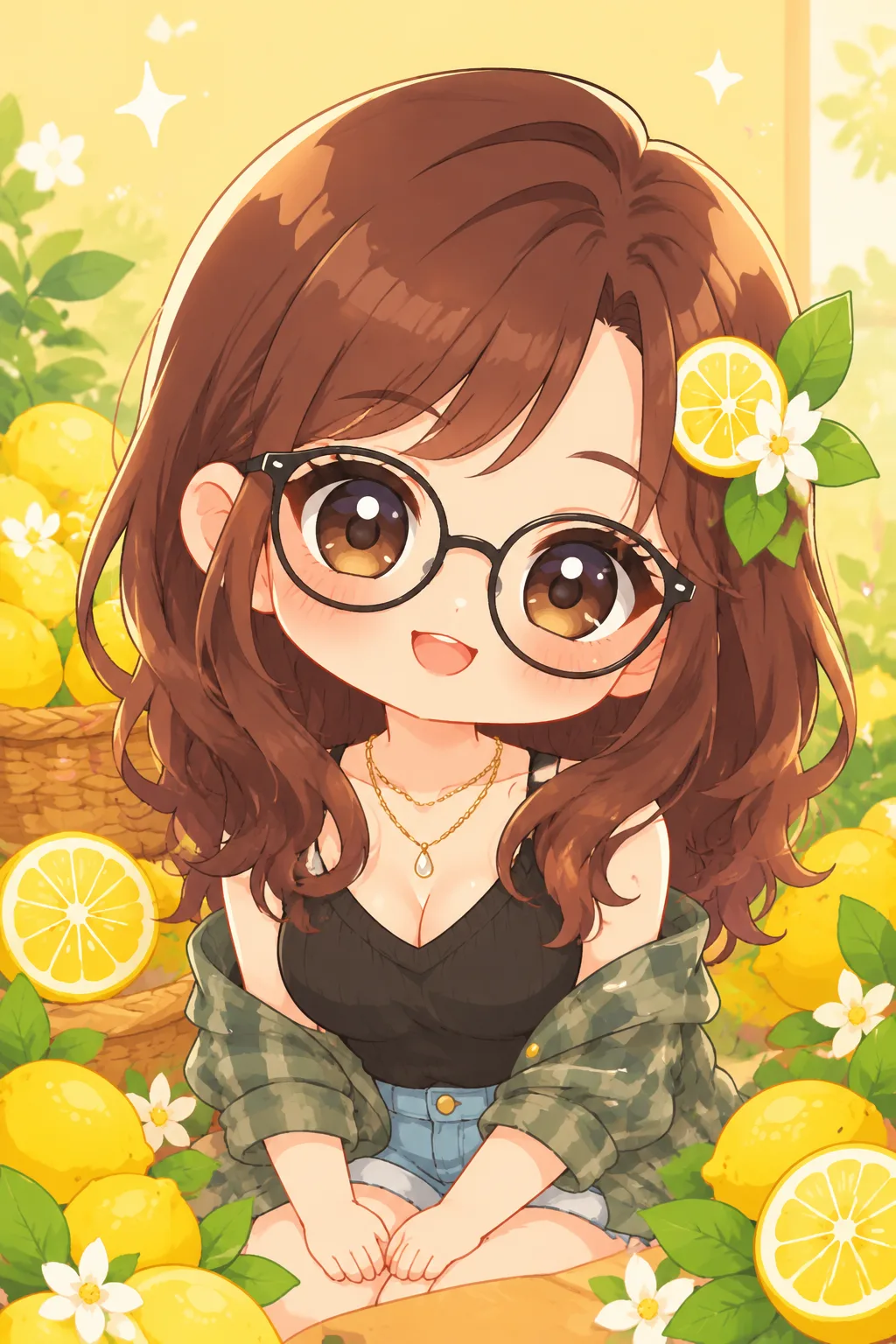
Posing is key in chibi art. Common chibi poses include waving, jumping, hugging, or holding objects. These add charm and context, whether you’re designing for Discord, Instagram, or personal use.
Step 4: Pick a Style and Add Color
Chibi art can range from classic anime to modern digital styles. Coloring brings your character to life. Use bright, cheerful palettes to enhance the playful vibe typical of chibi anime and chibi art style.
Why Use an AI Chibi Generator?
Drawing chibi characters manually takes time and skill. If you’ve ever asked, “How to draw chibi characters?” but struggled with proportions or poses, there’s a better way. The chibi.pics platform offers an AI chibi generator that creates professional-quality chibi avatars in seconds — no drawing required.
Text to Image: Create Chibi From Descriptions
With the Text to Image feature, simply describe your ideal chibi (e.g., “a pink-haired chibi girl in a school uniform, smiling”), pick a style template, and generate instantly. No need to write complex prompts — pre-built options make it beginner-friendly.
Image to Image: Turn Photos Into Chibi
Upload a selfie and transform yourself into a chibi character using the Image to Image tool. Choose from various anime-inspired templates to get your perfect chibi avatar for games or social profiles.
Custom Chibi: Full Control Over Pose and Expression
Want specific chibi poses or facial expressions? The Custom Chibi generator lets you adjust a poseable base, select emotions, and customize outfits. It’s ideal for creating unique, personalized avatars without touching a pencil.
Emoji Pack: Generate 16 Custom Chibi Emojis
Create a full set of expressive emojis based on your chibi character. Just upload a photo, choose a theme (like “gaming” or “love”), and get 16 ready-to-use stickers for WhatsApp or Discord.
Final Tips for Perfect Chibi Creations
Whether you're learning how to draw chibi or using an AI tool, focus on expression and simplicity. The best chibi characters convey emotion clearly and look great even at small sizes.
If you don’t have advanced drawing skills or want faster results, try chibi.pics. With features like AI Custom Chibi Generator, AI Emoji Generator, and AI Avatar Generator, anyone can create stunning chibi art. Best of all, the site offers a free plan, supports multiple languages (including English, Japanese, and Spanish), and requires zero prompt engineering.
Stop wondering “how to draw chibi” — start generating! Visit chibi.pics today and turn your ideas into adorable chibi characters in seconds.
评论
分享您对这篇文章的看法。
您必须登录后才能发表评论。
登录以评论