
How to Use Emoji Pack to Create streamer assets
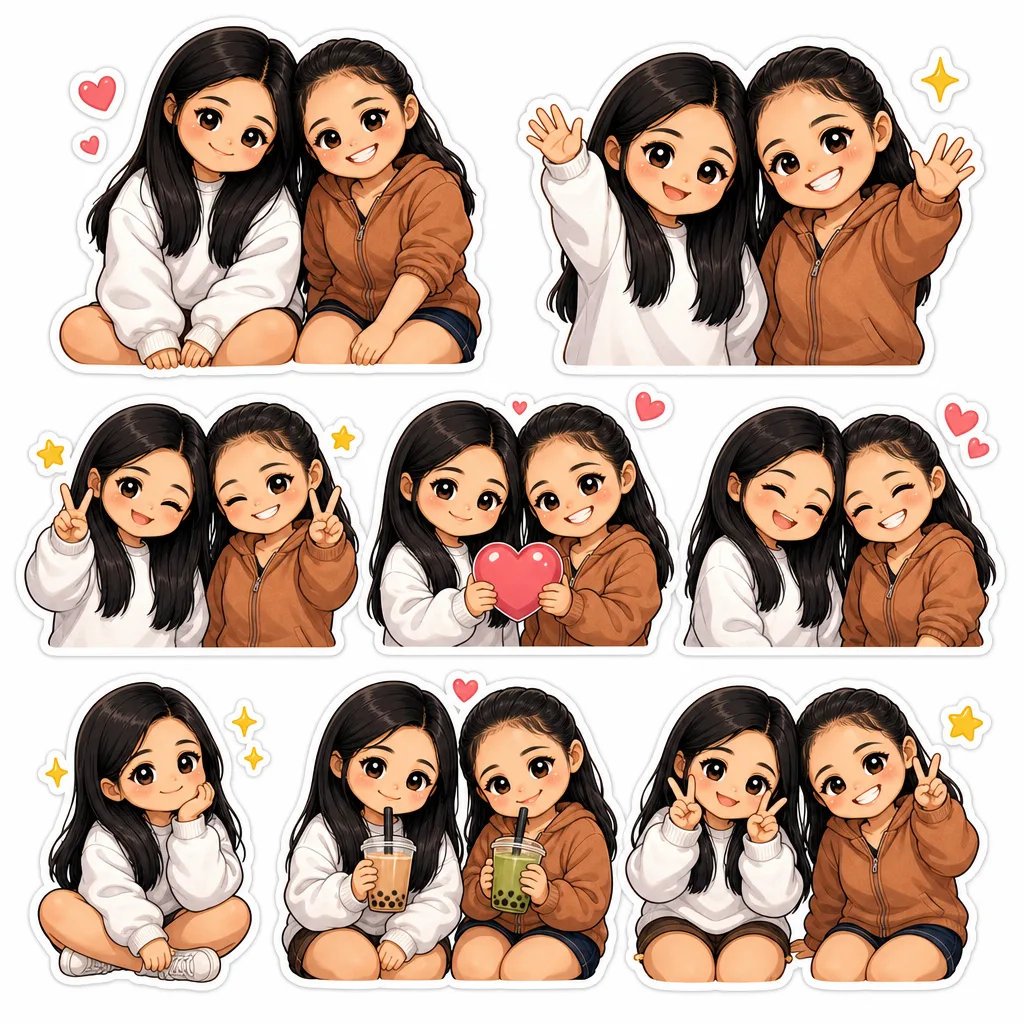
Learn how to use chibi.pics Emoji Pack to create unique streamer assets with no drawing skills and one-click generation.
Introduction
Creating unique and engaging streamer assets has never been easier thanks to chibi.pics. Whether you're a beginner or an experienced content creator, the Emoji Pack feature allows you to generate delightful chibi-style emojis and icons without any drawing skills or prompt writing. This guide will walk you through how to use the Emoji Pack tool effectively, along with an overview of other powerful features on the website, to enhance your streaming experience with personalized chibi art.
Why Use Chibi Emojis for Streamer Assets?
Streamers often rely on expressive and eye-catching emojis to communicate with their audiences, build a community vibe, and brand their channels. Chibi characters are especially popular because of their cute, simplified style that appeals to many viewers. With chibi.pics, you can easily create these chibi emojis that perfectly represent your personality or channel theme.
Key Advantages of Using Emoji Pack on Chibi.pics
- No Drawing Skills Needed: The platform is designed so you can create professional-quality chibi emojis without any artistic background.
- No Prompt Writing Required: You don’t have to craft complex text descriptions; the tool handles the generation with simple clicks.
- One-Click Generation: Quickly produce diverse emoji designs that fit your streaming brand and style.
How to Use the Emoji Pack Tool
Step 1: Access the Emoji Pack Feature
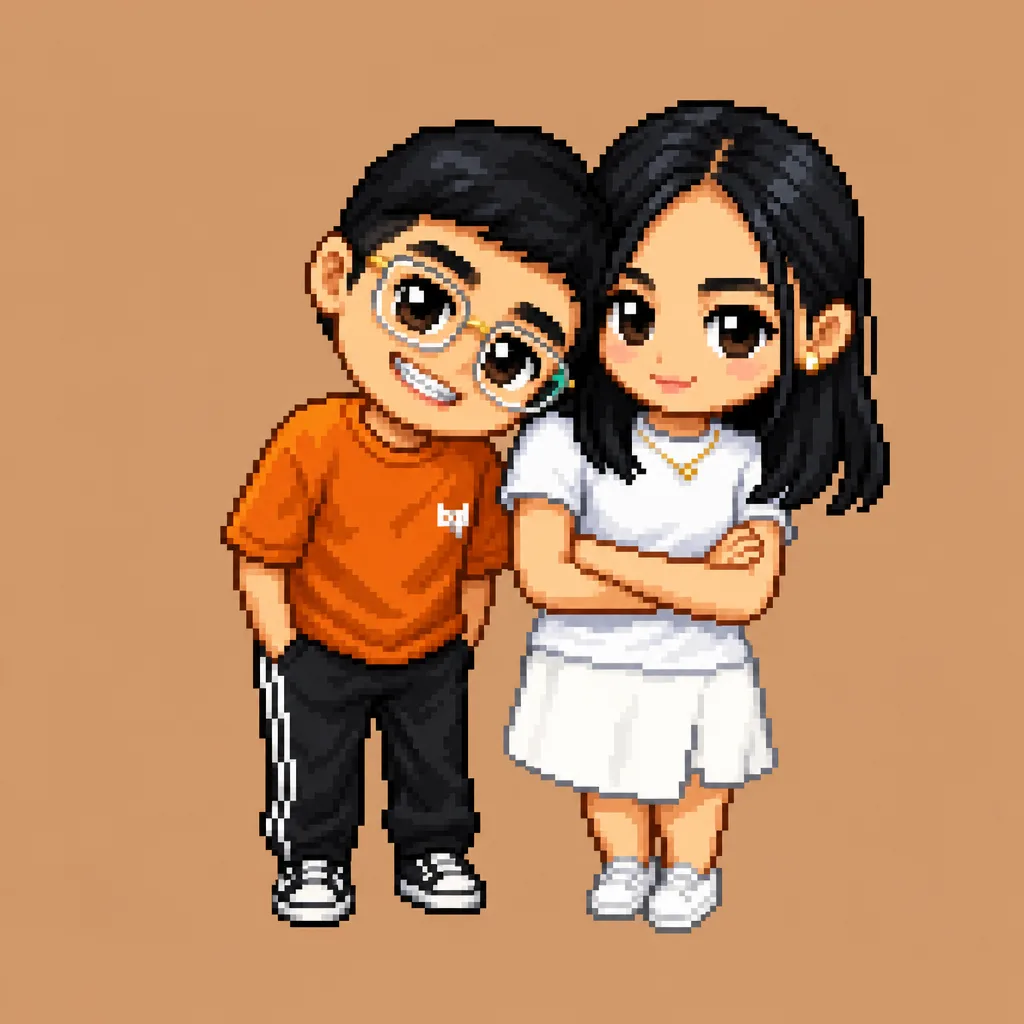
Visit chibi.pics and navigate to the Emoji Pack tool. This feature is one of the seven main website tools, which also include Text to Image, Image to Image, Image Editor, Custom Chibi, Couple Merge, Pet Portrait, and Image Animate.
Step 2: Choose Your Style
Select from various chibi art styles and poses to match your streaming personality. The platform offers options that cater to different preferences, including popular chibi anime and chibi art style designs. Whether you want a cute chibi girl, chibi animals, or custom chibi characters, the Emoji Pack has you covered.
Step 3: Customize Your Emojis
Adjust colors, expressions, and accessories using the easy interface. You can combine features from the chibi maker free tools and use presets inspired by the chibi clipart prompt generator concept to create personalized streamer assets that stand out.
Step 4: Download and Implement
Once you are satisfied with your chibi emojis, download them in high quality. These assets can be used as emotes on platforms like Twitch, Discord, or YouTube, enhancing your channel’s engagement and branding.
Other Useful Tools on Chibi.pics for Streamers
Text to Image & Image to Image
These tools enable you to create chibi art from text descriptions or enhance existing images, perfect for designing unique channel banners or profile pictures.
Image Editor & Custom Chibi
Refine your chibi creations by editing details or designing entirely custom characters that can be integrated into your streamer branding.
Couple Merge & Pet Portrait
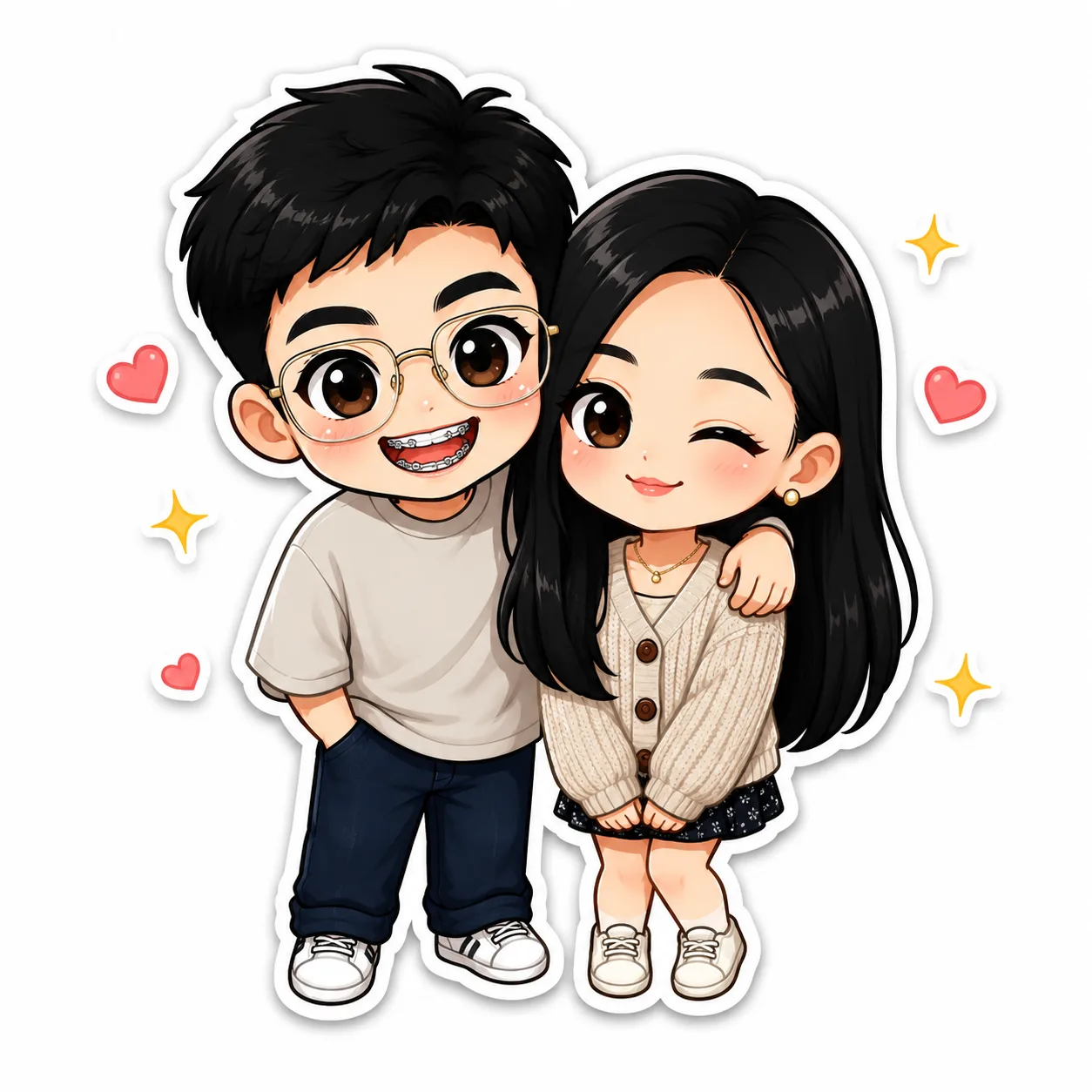
Combine characters or create adorable pet chibi portraits to add a personal touch to your streaming assets.
Image Animate
Bring your chibi emojis and characters to life with simple animations that increase viewer engagement.
Conclusion
Using chibi.pics and its Emoji Pack tool is a beginner-friendly way to create charming, high-quality chibi streamer assets without any hassle. The platform’s no drawing skills, no prompt writing, and one-click generation approach make it accessible to everyone. Explore all the tools at chibi.pics today to start building your unique chibi art collection and elevate your streaming channel with adorable, custom emojis and assets.
评论
分享您对这篇文章的看法。
您必须登录后才能发表评论。
登录以评论