
How to Use Image Animate to Create sticker
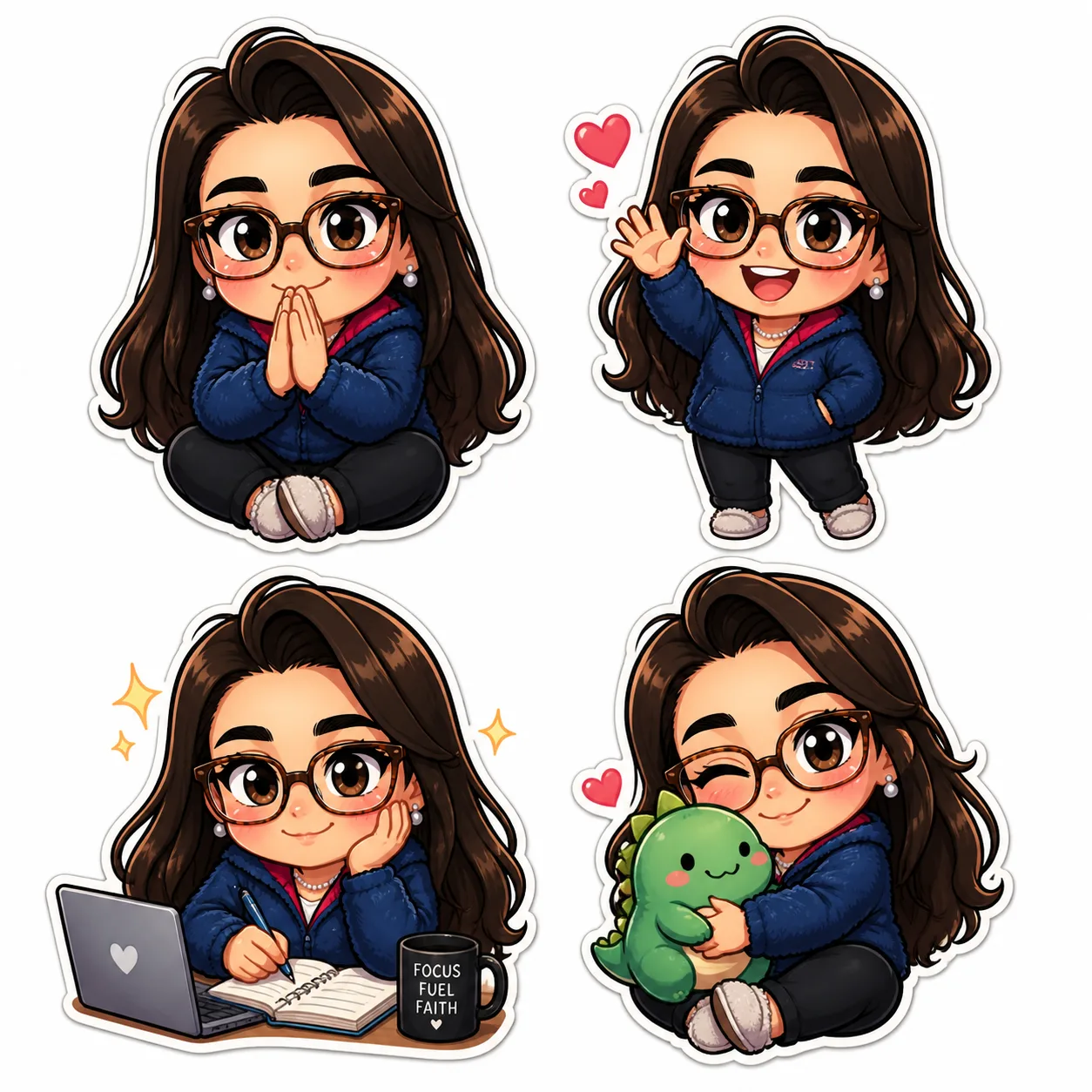
Learn how to use Image Animate on chibi.pics to create animated stickers from chibi avatars. No drawing skills needed—powered by ai chibi generator.
Creating expressive and fun stickers has never been easier, thanks to the powerful Image Animate feature on chibi.pics. Whether you're designing for Instagram stories, Discord reactions, or personal messaging apps, this tool lets you turn static chibi images into lively animated stickers—no drawing skills or complex animation knowledge required.
Why Use Animated Stickers?
Animated stickers add personality and emotion to digital conversations. Unlike static emojis, they capture movement and expression, making your messages more engaging. With chibi art being a popular style in anime and online communities, creating your own ai chibi generator-powered animated stickers allows you to stand out across social platforms.
What Is Image Animate?
The Image Animate function on chibi.pics transforms still images into motion videos using AI. It offers two core modes: Image to Motion and Character Replacement in Motion. For sticker creation, we focus on turning your custom chibi character into a short, looping animation perfect for stickers.
Step 1: Upload Your Chibi Image
Navigate to the Image Animate tool on chibi.pics. Click 'Upload Image' and select your chibi character. This can be an image created via Text to Image, Custom Chibi, or any uploaded selfie transformed into a chibi avatar.
Step 2: Choose an Animation Style
Select from preloaded motion templates such as waving, blinking, dancing, or nodding. These animations are optimized for chibi proportions and facial expressions. The system maps your image onto the motion sequence, preserving your character’s unique features while adding fluid movement.
Step 3: Preview and Adjust
Preview the animation in real time. If needed, tweak the starting frame or loop duration to ensure smooth playback. While no manual editing is required, the AI automatically optimizes facial sync and limb movements based on chibi poses standards.
Step 4: Export as Sticker Format
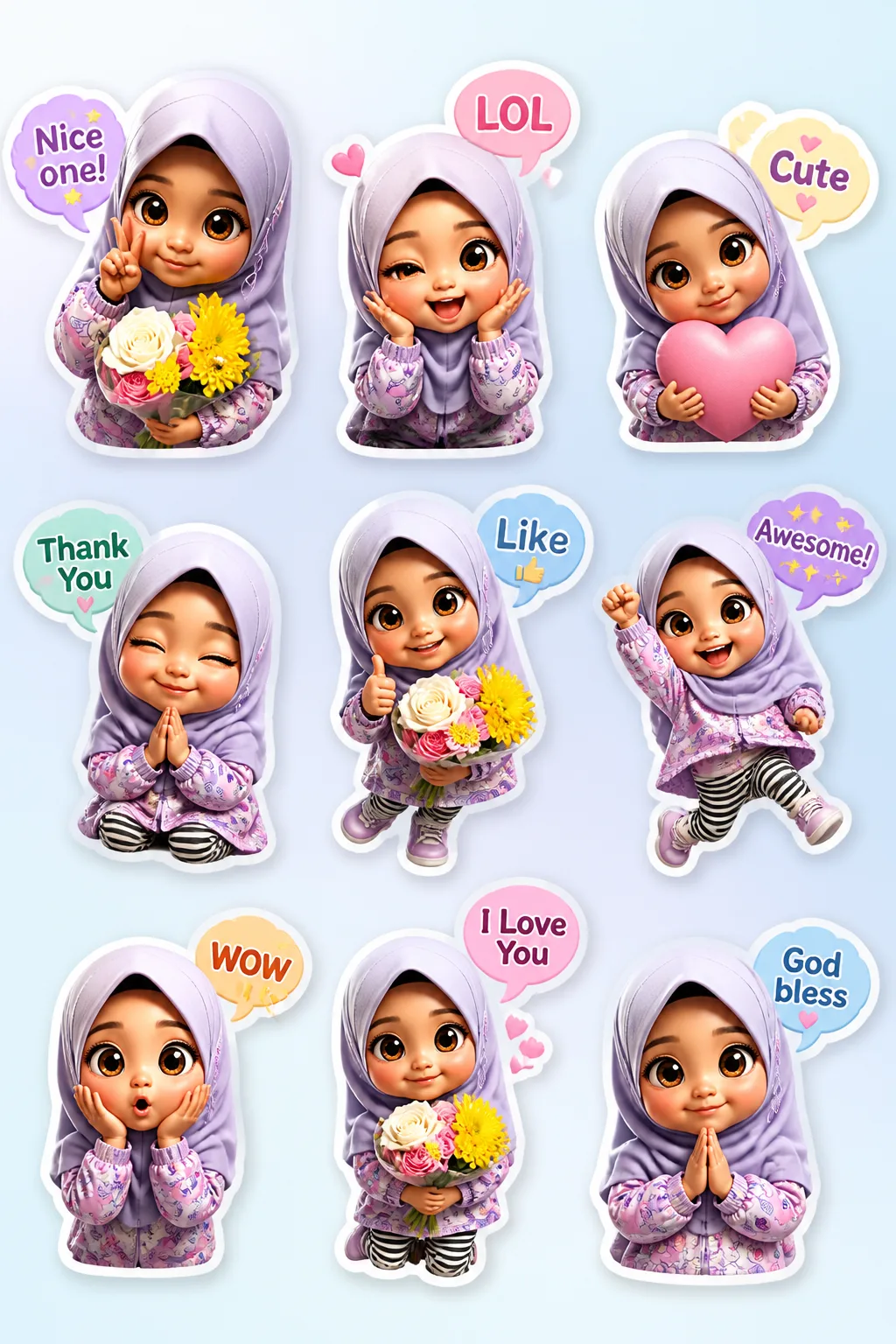
Once satisfied, export your video in MP4 or GIF format—ideal for use as stickers on WhatsApp, Telegram, or Discord. You can also convert the output into a set of 16 emoji-style expressions using the Emoji Pack generator for broader usage.
Pro Tips for Best Results
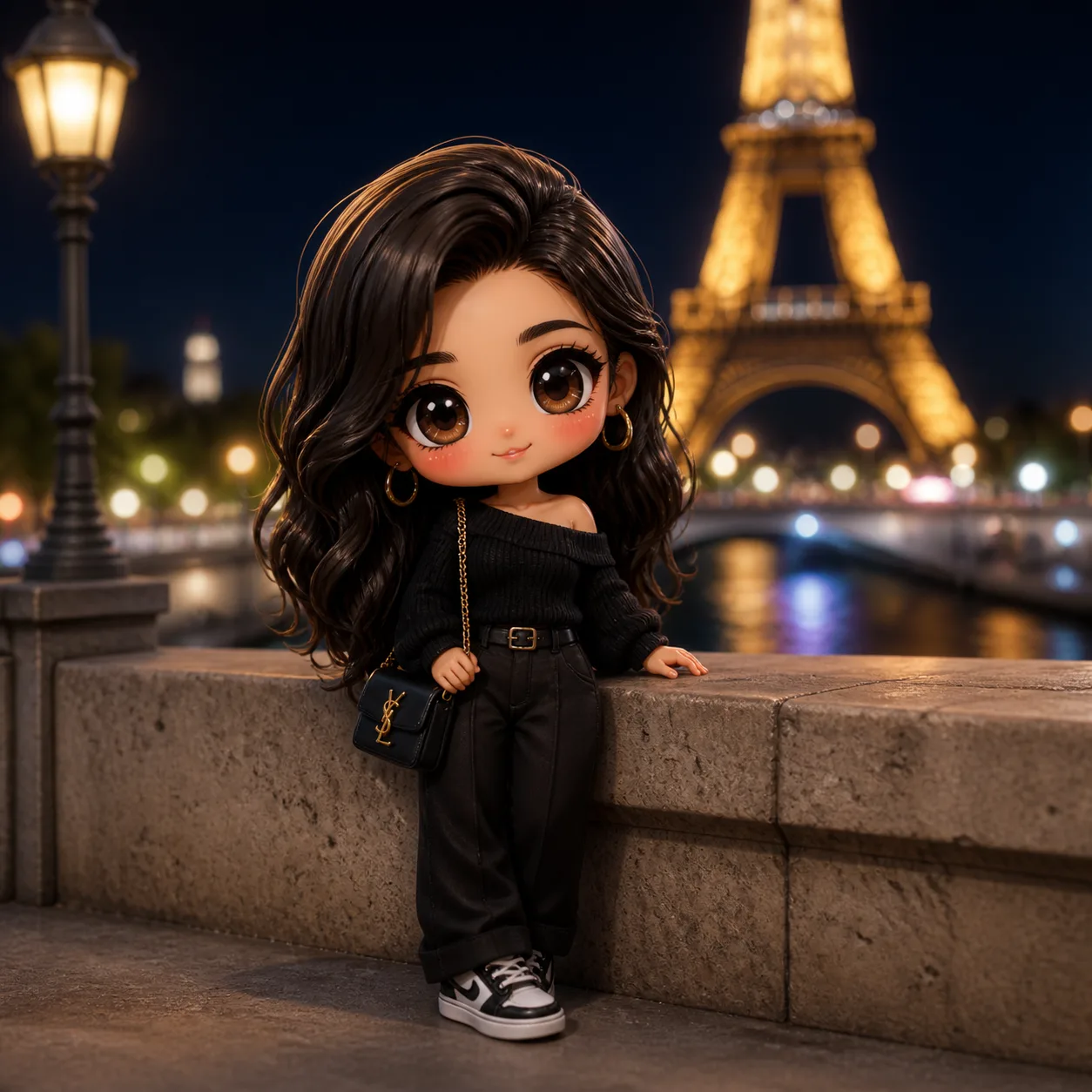
- Use high-contrast, well-lit chibi images for cleaner animation mapping.
- Select motion styles that match your character’s expression (e.g., joyful bounce for happy faces).
- For profile-based stickers, try subtle head nods or eye blinks to keep focus on identity.
Create Without Limits
If you’ve ever wondered how to draw chibi animations but found traditional frame-by-frame drawing too challenging, chibi.pics removes the barrier. With just a few clicks, anyone can generate professional-quality animated stickers using the ai chibi generator technology. No need to master chibi drawing base techniques or spend hours learning animation software.
Explore the full range of creative tools at chibi.pics, including Custom Chibi, AI Sticker Generator, and Emoji Pack—all designed to help you express yourself in the vibrant world of chibi art. Start with our free plan and unlock endless possibilities in multiple languages, including English, Japanese, Spanish, and Arabic.
评论
分享您对这篇文章的看法。
您必须登录后才能发表评论。
登录以评论