
How to Use Image to Image to Create fan art
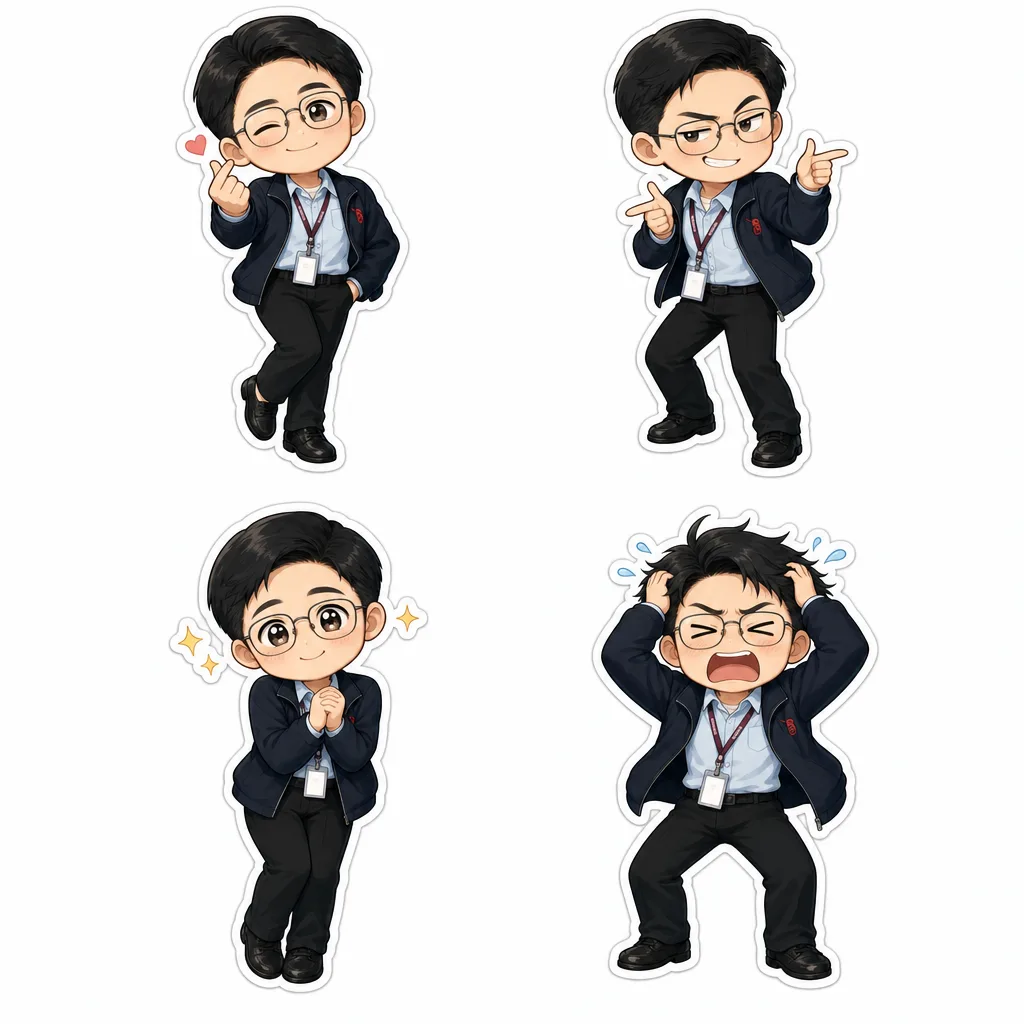
Learn how to use chibi.pics’ Image to Image tool to create adorable fan art with no drawing skills and one-click chibi generation.
Introduction to Creating Fan Art with Image to Image
If you've ever wondered how to draw chibi characters or create your own unique fan art without advanced drawing skills, chibi.pics offers a perfect solution. Using the powerful Image to Image tool, anyone can transform existing images into charming chibi art in just one click. Forget complicated prompt writing or hours of practice; this feature brings your favorite characters to life in a fun, simple way.
What is the Image to Image Tool?
The Image to Image tool at chibi.pics is designed to convert any uploaded photo or artwork into adorable chibi styles. This tool is part of the website’s seven core functions, including Text to Image, Image Editor, Custom Chibi, Emoji Pack, Couple Merge, Pet Portrait, and Image Animate. The Image to Image tool stands out because it requires no drawing skills and no prompt writing, making it ideal for beginners and fans alike.
How Does Image to Image Work?
Simply upload your original image, and the AI-driven engine will automatically generate a chibi version with the signature big eyes, small bodies, and cute poses. Whether you want to create fan art of your favorite chibi anime characters or personalize your own chibi body, this tool makes it effortless.
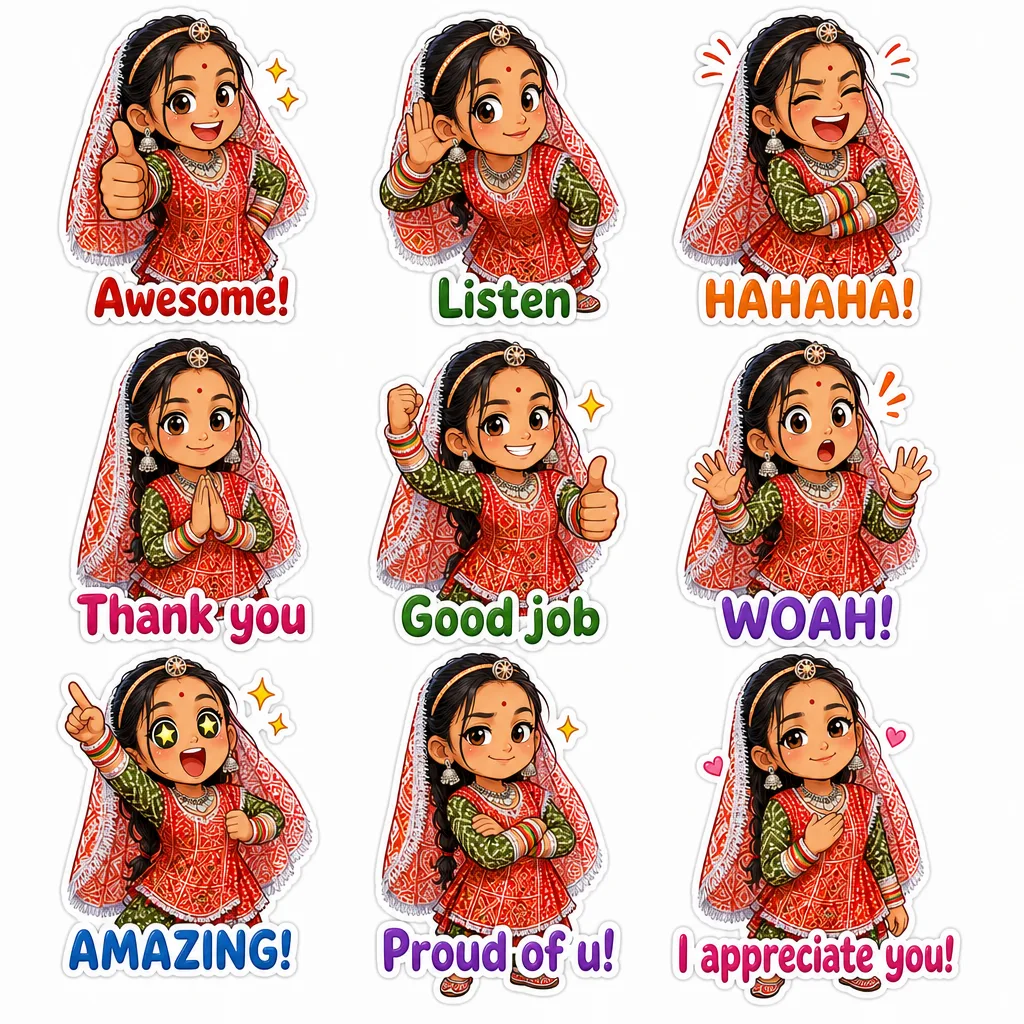
Benefits of Using Image to Image for Fan Art
- No Drawing Skills Needed: Perfect for those who want to create chibi art without the complexity of traditional drawing techniques.
- One-Click Generation: Quickly produce high-quality chibi fan art with minimal effort.
- Multiple Styles and Bases: Choose from a variety of chibi bases and poses to customize your artwork.
- Works Seamlessly with Other Tools: Enhance your creations further using Image Editor or combine with Couple Merge and Pet Portrait features.
Step-by-Step Guide to Creating Fan Art with Image to Image
1. Upload Your Original Image
Start by selecting a clear photo or drawing of the character you want to transform. Whether it’s a chibi anime figure or a regular portrait, the Image to Image function can handle it.
2. Customize Your Chibi Art Style
Choose the preferred chibi art style and body type. This is where knowledge of how to draw chibi body or how to draw chibi hair can inspire your selection, though it’s not required.
3. Generate and Refine
With a single click, watch your image convert into adorable chibi fan art. Use the Image Editor to tweak details or add special effects.
4. Save and Share Your Artwork
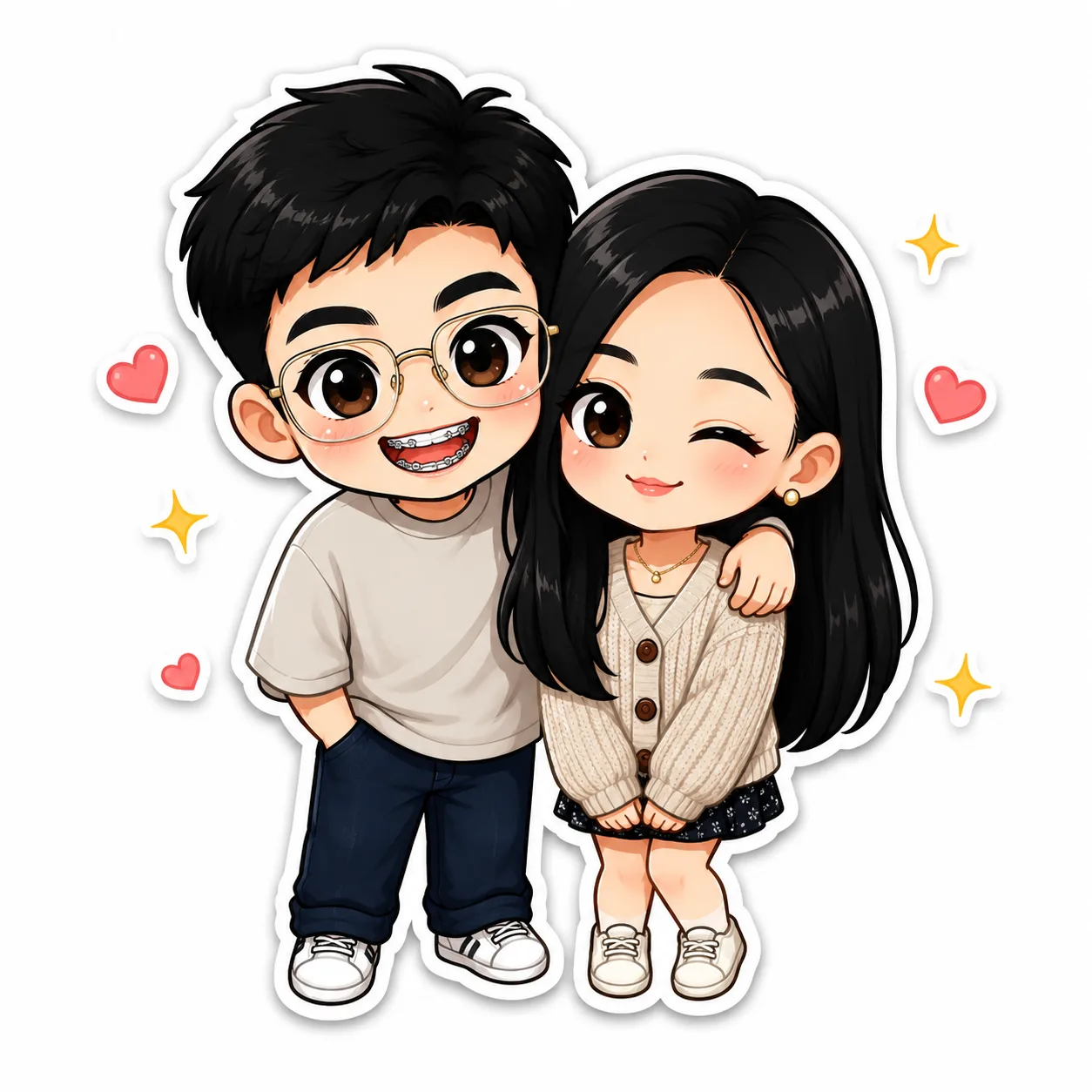
Once satisfied, download your creation or share it directly from chibi.pics. This makes it easy to showcase your chibi art style across social media or fan communities.
Why Choose chibi.pics for Your Fan Art Creation?
Chibi.pics is not just an ai chibi generator but a complete creative platform focused on chibi art. It features a chibi clipart prompt generator and a chibi maker free tool, enabling you to explore endless possibilities without technical barriers. The website supports various chibi types, including animals, couples, and pets, all within a user-friendly interface.
Conclusion
Creating fan art has never been easier thanks to chibi.pics' Image to Image tool. Whether you want to learn how to draw chibi characters or simply enjoy making cute chibi versions of your favorite images, the platform provides all the necessary tools without requiring artistic skills or prompt writing. Visit chibi.pics today and start your chibi fan art journey effortlessly.
Commentaires
Partagez votre avis sur ce article.
Vous devez être connecté pour publier un commentaire.
Se connecter pour commenter