How to Use Text to Image to Create profile picture
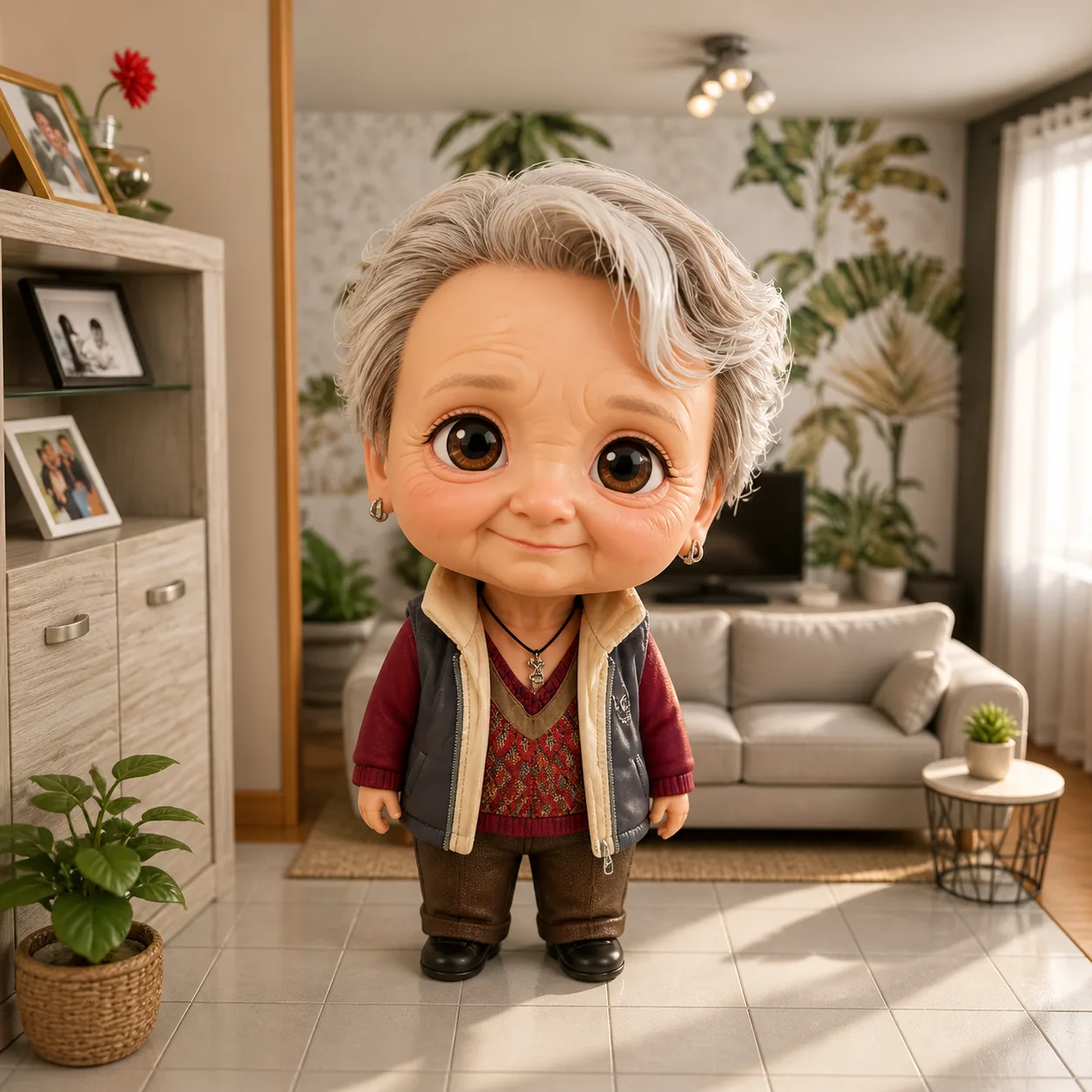
Learn how to use text to image AI to create a chibi profile picture effortlessly with chibi.pics. No drawing skills needed.
Creating a unique and eye-catching profile picture is essential for standing out on social media platforms like Instagram, Discord, or TikTok. But not everyone has the time or artistic skills to draw or design one from scratch. That’s where chibi.pics comes in — an AI-powered platform that lets you generate adorable chibi-style avatars with zero drawing experience. In this guide, we’ll walk you through how to use the Text to Image feature on chibi.pics to create your perfect profile picture — no prompt engineering or illustration skills needed.
Why Choose Chibi Style for Your Profile Picture?
Chibi art, known for its super-deformed proportions and cute, exaggerated features, is wildly popular across anime and gaming communities. A chibi avatar instantly conveys playfulness and personality, making it ideal for online identities. Whether you're looking for a whimsical Instagram bio image or a fun Discord profile pic, chibi characters are memorable and visually engaging.
With chibi.pics’ AI Chibi Generator, you can transform simple text descriptions into vibrant, high-quality chibi illustrations — all in just a few clicks.
How to Use Text to Image to Generate Your Chibi Profile Picture
Step 1: Access the Text to Image Feature
Navigate to chibi.pics and select the Text to Image tool. This powerful feature uses pre-optimized prompts tailored to the chibi art style, so you don’t need to be a prompt-writing expert. Just describe what you want, and let the AI do the rest.
Step 2: Choose or Customize a Prompt Template
Instead of starting from scratch, chibi.pics offers a variety of built-in prompt templates categorized by style — such as kawaii anime, pixel art, watercolor, or cyberpunk chibi. Simply click on a template that matches your vibe, and the system will auto-fill the prompt field. You can then tweak details like hairstyle, outfit, background, or accessories to personalize your avatar.
Step 3: Generate and Refine Your Image
Click “Generate,” and within seconds, the AI will produce your custom chibi profile picture. If the first result isn’t quite right, you can regenerate or adjust your description slightly for better alignment. The intuitive interface ensures even beginners can achieve professional-looking results.
Step 4: Download and Use Across Platforms
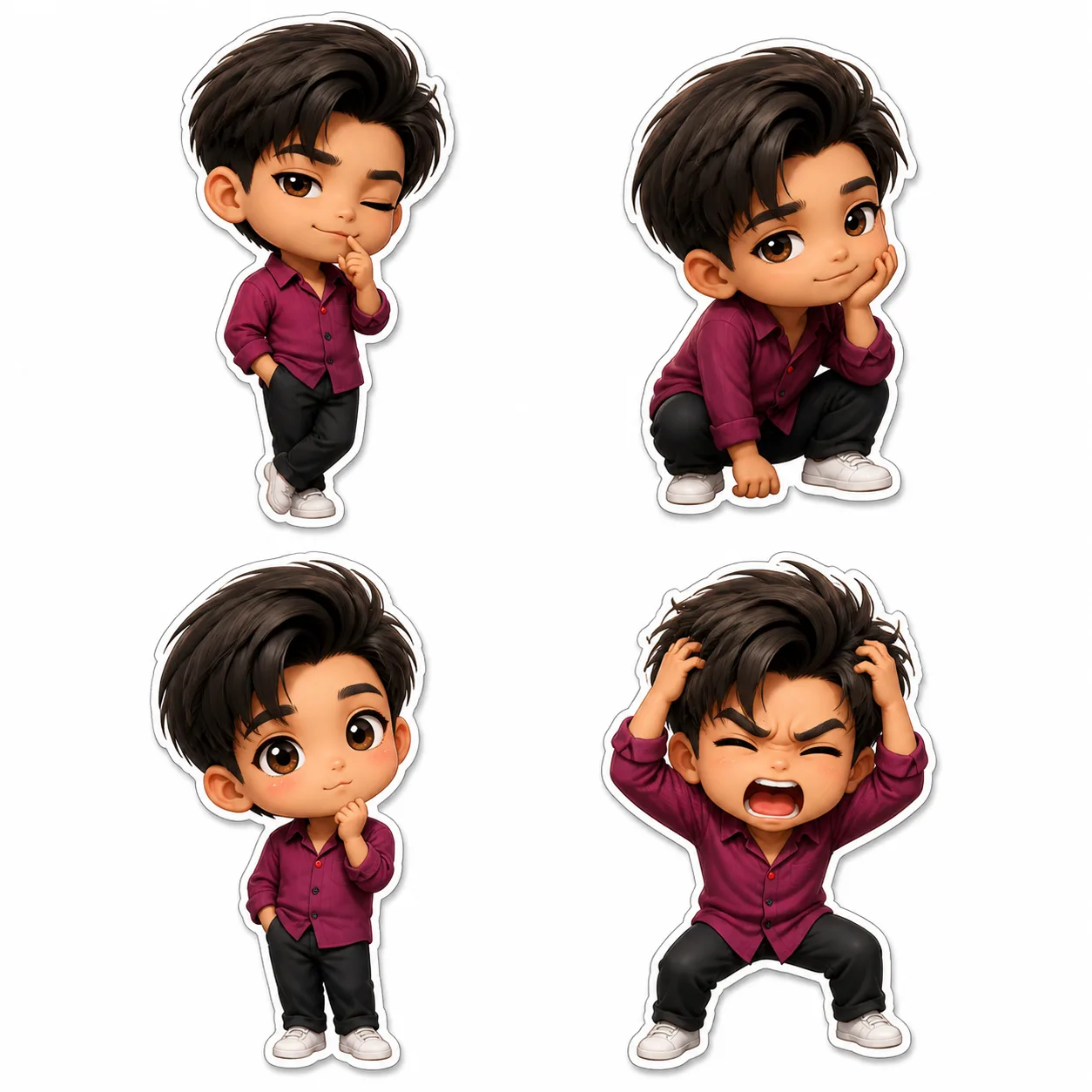
Once satisfied, download your high-resolution chibi avatar. It's perfectly sized for use as a profile picture on Instagram, Twitter/X, Twitch, or any platform where you want to express your personality. Want variations? Generate multiple versions with different poses or moods using the same prompt.
Advanced Tips for Better Results
Use Clear, Descriptive Keywords
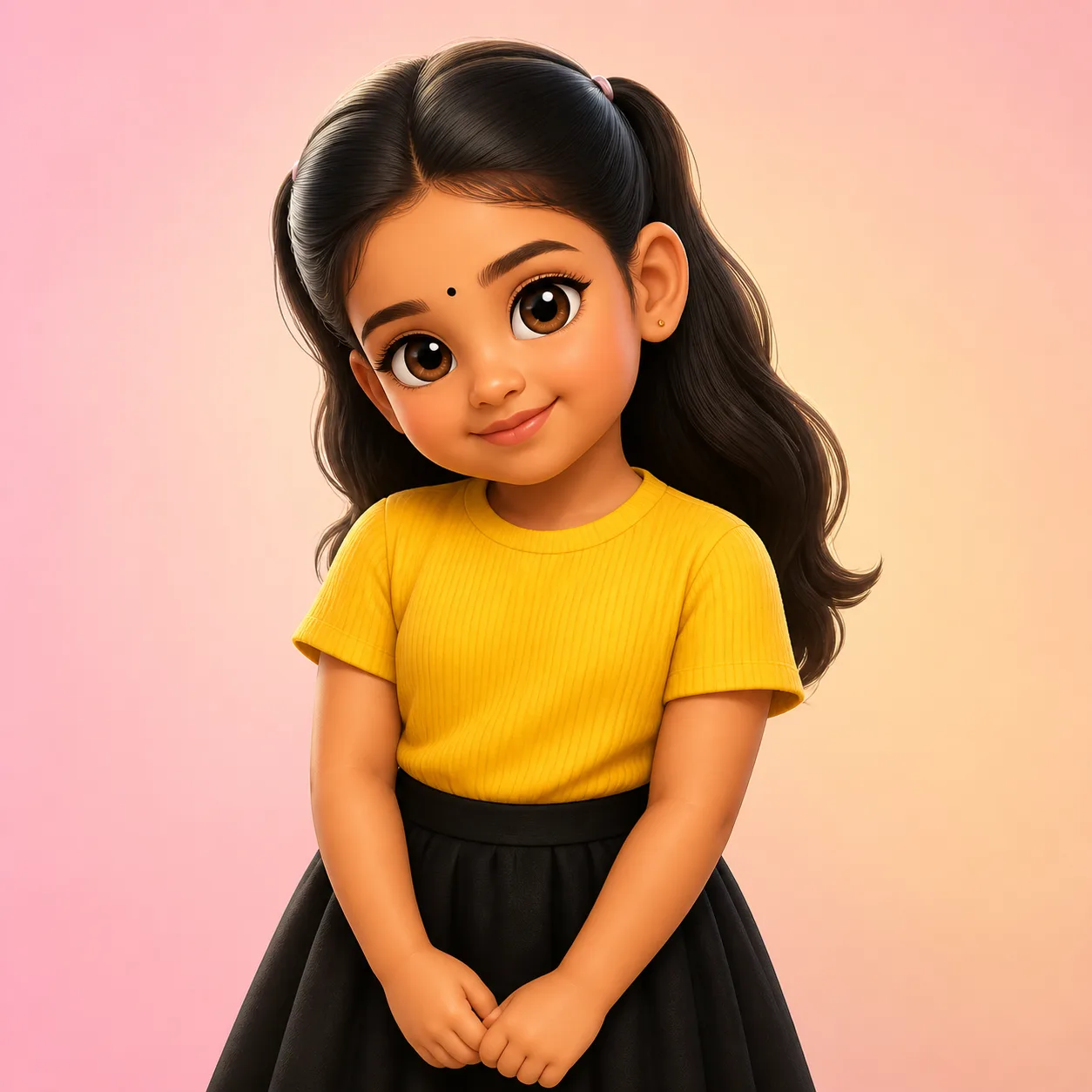
While chibi.pics eliminates the need for complex prompting, including specific terms like "pink pigtails," "glasses," "cyberpunk jacket," or "holding a cat" helps the AI generate more accurate visuals. Think about your ideal look and describe it simply but vividly.
Leverage Multiple Styles
Don’t limit yourself to one aesthetic. Try generating the same character in different art styles — from chibi anime to cartoon clipart — and see which fits your online persona best. Each style brings a unique flair to your digital identity.
Create More Than Just Avatars
Your creativity doesn’t have to stop at profile pictures. With chibi.pics, you can also generate matching stickers, emoji packs, or even animated versions of your chibi using the Image Animate feature. Turn your avatar into a dancing GIF or a talking video for maximum impact.
Final Thoughts: Make Your Digital Presence Adorable
Using text-to-image technology to create your profile picture has never been easier — especially with a dedicated platform like chibi.pics. Forget complicated AI tools that require technical knowledge. Here, anyone can become a digital artist in minutes.
If you’ve ever wondered how to draw chibi characters but felt intimidated by traditional drawing methods, now you don’t have to. With the chibi maker free tools at chibi.pics, including Custom Chibi, Emoji Pack, and AI Sticker Generator, you can create stunning chibi art without lifting a pencil. Plus, the site supports multiple languages and offers both free and premium plans for unlimited creativity.
Visit chibi.pics today and start building your perfect chibi identity — one text prompt at a time!
Commentaires
Partagez votre avis sur ce article.
Vous devez être connecté pour publier un commentaire.
Se connecter pour commenter