2D Chibi: Complete Creation Guide
Learn how to create 2D chibi art easily with this complete guide. Discover drawing tips and how to use the ai chibi generator at chibi.pics for perfect results.
Chibi art, known for its super-deformed cute style with oversized heads and tiny bodies, has become a global sensation in anime culture. Whether you're looking to create avatars for Instagram, custom emojis for Discord, or just fun illustrations, mastering the chibi style can be both rewarding and challenging. This guide walks you through everything you need to know about creating stunning 2D chibi characters — even if you’ve never drawn before. With chibi.pics, anyone can generate perfect chibi art in seconds, no skills required.
Why Create Chibi Art?
Chibi characters are more than just adorable drawings — they’re powerful tools for self-expression across social media, gaming, and messaging apps. From profile pictures to personalized sticker packs, chibi-style avatars add personality and charm. Traditionally, drawing chibi art requires understanding proportions, poses, and facial expressions. But now, thanks to AI-powered tools like chibi.pics, you can skip the learning curve and generate professional-quality chibi images instantly.
Understanding the Chibi Art Style
What Is a Chibi Character?
The term "chibi" comes from Japanese, meaning "small" or "cute." In anime and manga, chibi characters are stylized versions of people with exaggerated features: large eyes, simplified hair, and a 1:2 or 1:3 head-to-body ratio. This playful transformation makes them ideal for lighthearted content and digital communication.
Key Features of Chibi Drawing Base
A solid chibi drawing base includes three core elements: proportion, expression, and pose. The head typically takes up half the body height. Limbs are short and rounded, avoiding sharp angles. Expressions are bold and clear — big smiles, sparkly eyes, or comedic anger lines help convey emotion instantly. 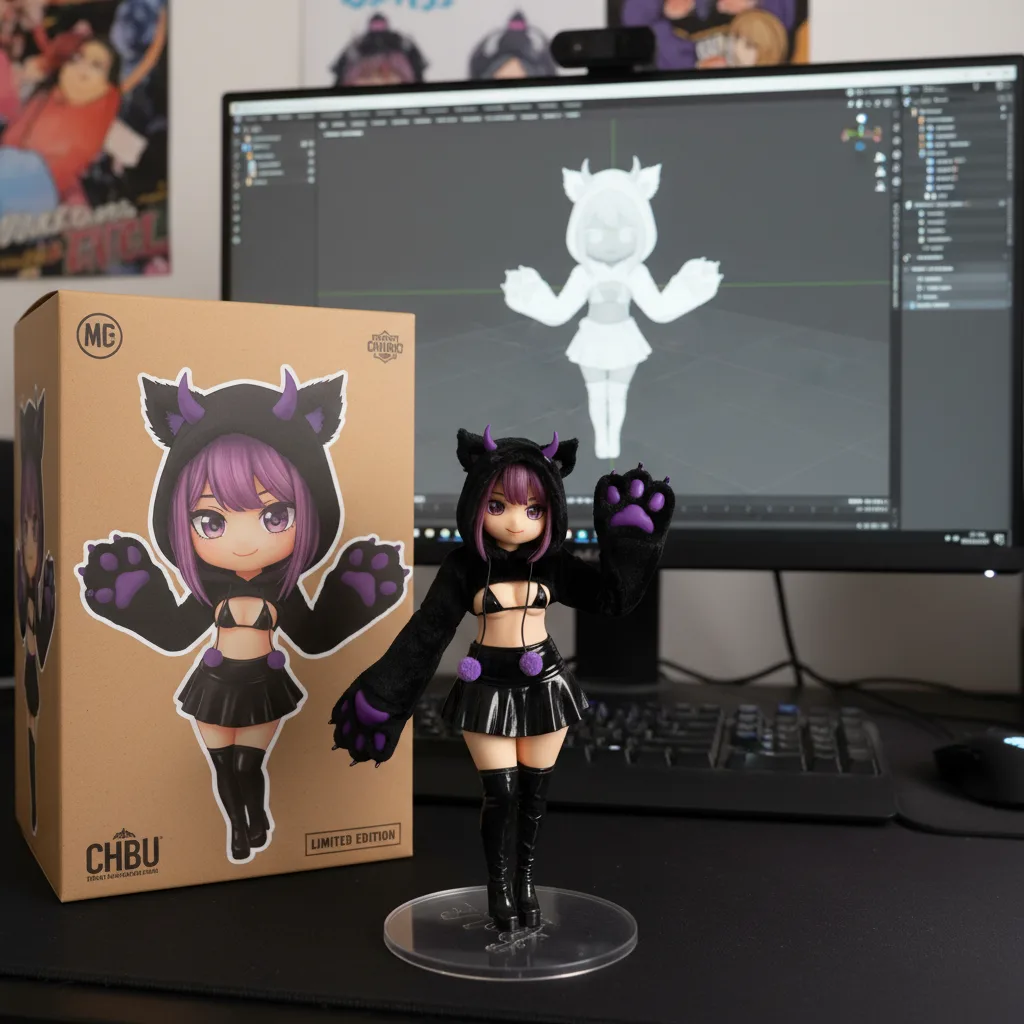
How to Draw Chibi Characters (For Beginners)
Step 1: Sketch the Head and Body Proportion
Start with a circle for the head. Then draw a small oval beneath it for the torso. Avoid full limbs at first — focus on the upper body. Keep the overall height around two to three times the size of the head. This is your chibi base.
Step 2: Add Facial Features
Place the eyes halfway down the face — much lower than realistic anatomy. Use large irises and highlights to enhance cuteness. The nose and mouth are minimal, often just a dot and a line. Experiment with different expressions like joy, surprise, or pouting.
Step 3: Design the Hair and Outfit
Chibi hair is usually exaggerated and dynamic. Think spiky, flowing, or curly styles that frame the face. Clothing should be simple but recognizable — school uniforms, casual wear, or fantasy outfits work well. Focus on silhouette clarity over fine details.
Step 4: Choose Cute Chibi Poses
Pose determines personality. A waving pose feels friendly; a jumping one feels energetic. Use reference images or gesture sketches to explore ideas. Remember, simplicity is key — avoid complex perspectives unless you're advanced.
Create Perfect Chibi Art Instantly with chibi.pics
If drawing feels overwhelming, there's an easier way. chibi.pics is an AI-powered chibi maker free platform that lets you generate flawless chibi art without any drawing skills or prompt writing.
Custom Chibi Generator: Full Control Over Pose & Expression
Upload your photo and adjust a pre-set stick-figure pose to match your desired stance. Choose from dozens of facial expressions and artistic styles — anime, cartoon, kawaii, and more. Within seconds, you’ll have a fully customized chibi character that looks professionally drawn. It’s perfect for creating unique avatars or gifts.
Text to Image: Generate Chibi Art from Descriptions
Just type what you want — like "a chibi girl with pink hair dancing in a park" — and pick a style template. No need to craft complex prompts. The AI chibi generator handles the rest, delivering vibrant 2D chibi illustrations every time.
Emoji Pack: Turn Yourself into 16 Custom Emojis
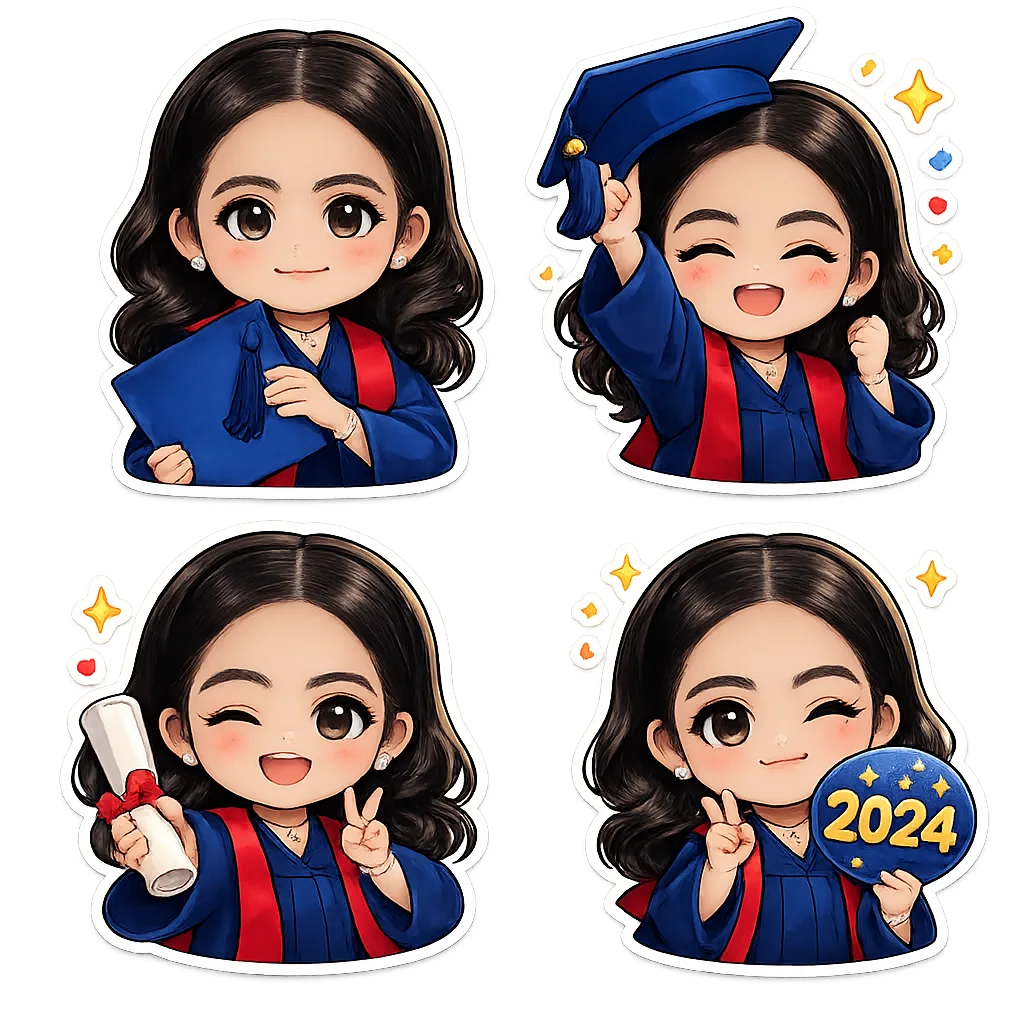
Create a full set of animated-style emoji reactions based on your own likeness. Upload your photo, choose a theme (like "gamer life" or "anime fan"), and get 16 ready-to-use stickers featuring your chibi character in various moods and actions.
Final Thoughts
Learning how to draw chibi characters can be fun, but it takes time and practice. For those who want instant results, chibi.pics offers a smarter alternative. With features like the AI Custom Chibi Generator, Text to Image, and Emoji Pack, you can create stunning chibi art tailored to your needs — all in seconds. Whether you're making avatars for Instagram, Discord emojis, or couple portraits, this tool empowers everyone to enjoy chibi art creation. Visit chibi.pics today and start generating your perfect chibi character — no drawing skills needed.
コメント
この記事について感想をシェアしてください。
コメントを投稿するにはログインが必要です。
ログインしてコメントする