
From Photo to character card: Full Image Editor Guide
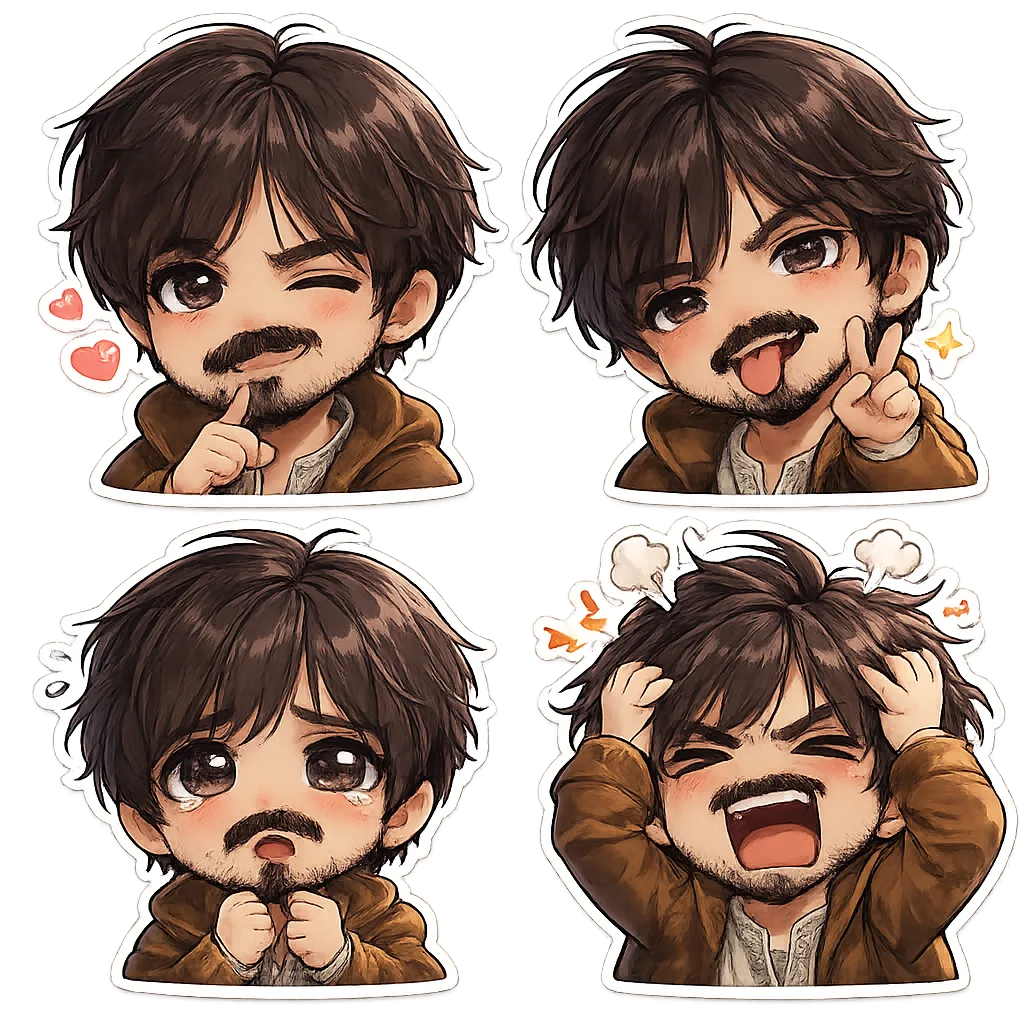
Learn how to turn any photo into a chibi character card using chibi.pics AI tools. No drawing skills needed — create custom chibi avatars easily with the ai chibi generator.
Welcome to the ultimate guide on turning your photos into adorable chibi character cards using chibi.pics! Whether you're a fan of anime, looking to create a unique avatar for Instagram or Discord, or simply want to transform your selfie into a kawaii masterpiece, this step-by-step tutorial will walk you through the full capabilities of our AI-powered Image Editor. No drawing skills? No problem. With just one click, anyone can generate stunning chibi art.
Why Use chibi.pics for Your Character Design?
Chibi, meaning "cute" or "small" in Japanese, is a beloved art style known for its oversized heads, tiny bodies, and expressive features. Creating authentic chibi characters manually can be challenging, especially when mastering proportions like the chibi body or chibi poses. That’s where chibi.pics comes in — an ai chibi generator that eliminates the need for drawing experience or complex prompt writing.
Our platform uses advanced AI models like Nano Banana Pro to power tools such as Text to Image, Image to Image, and the powerful AI Nano Banana Pro Image Editor, allowing users to effortlessly convert real photos into stylized chibi avatars with full customization.
Step-by-Step: From Photo to Chibi Character Card
1. Upload Your Photo
Start by visiting chibi.pics and selecting the Image to Image or Custom Chibi feature. Click 'Upload' and select a clear photo of yourself (or someone else). For best results, use a front-facing image with good lighting and minimal background clutter.
2. Choose Your Desired Chibi Style
Next, browse through our collection of pre-designed templates powered by the ai chibi generator. Options include anime-inspired looks, cartoonish vibes, or even sticker-style outputs perfect for messaging apps. You can filter by style, gender, age, and accessories to find the perfect match.
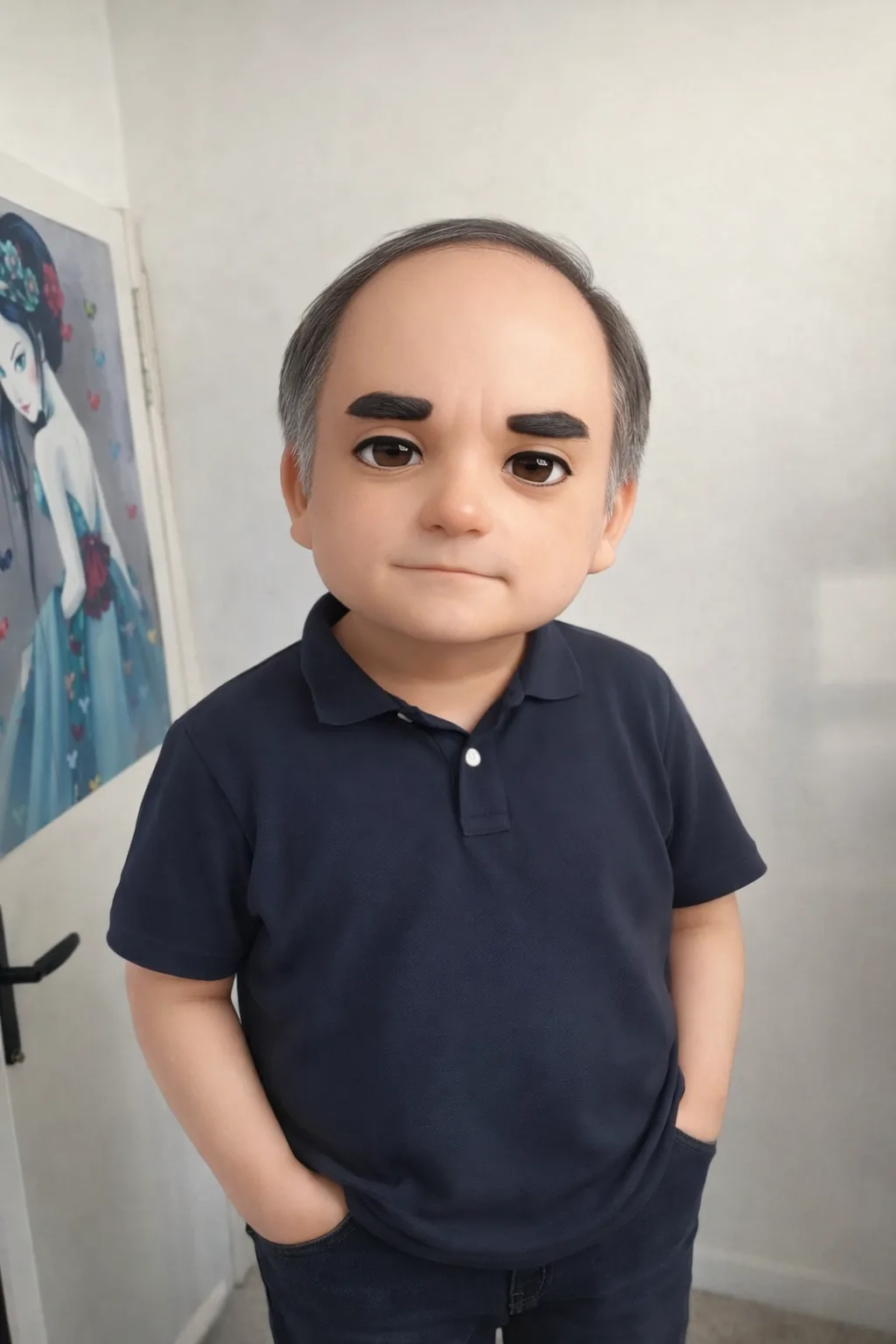
3. Customize Pose & Expression
If you’re using the AI Custom Chibi Generator, you can adjust the pose using our intuitive firestick-figure interface. Select from dynamic stances like waving, dancing, or sitting. Then pick facial expressions — happy, surprised, sleepy, or mischievous — to give your character personality.
4. Edit Details with AI Image Editor
Now it’s time to refine your creation. Use the AI Nano Banana Pro Image Editor to make fine-tuned adjustments. Want longer hair? Bigger eyes? A different outfit? Simply input a text prompt like “long pink hair, school uniform” and let the AI re-render your chibi accordingly.
This editor supports realistic transformations while preserving the chibi art style integrity, making it ideal for crafting personalized avatars without redrawing anything manually.
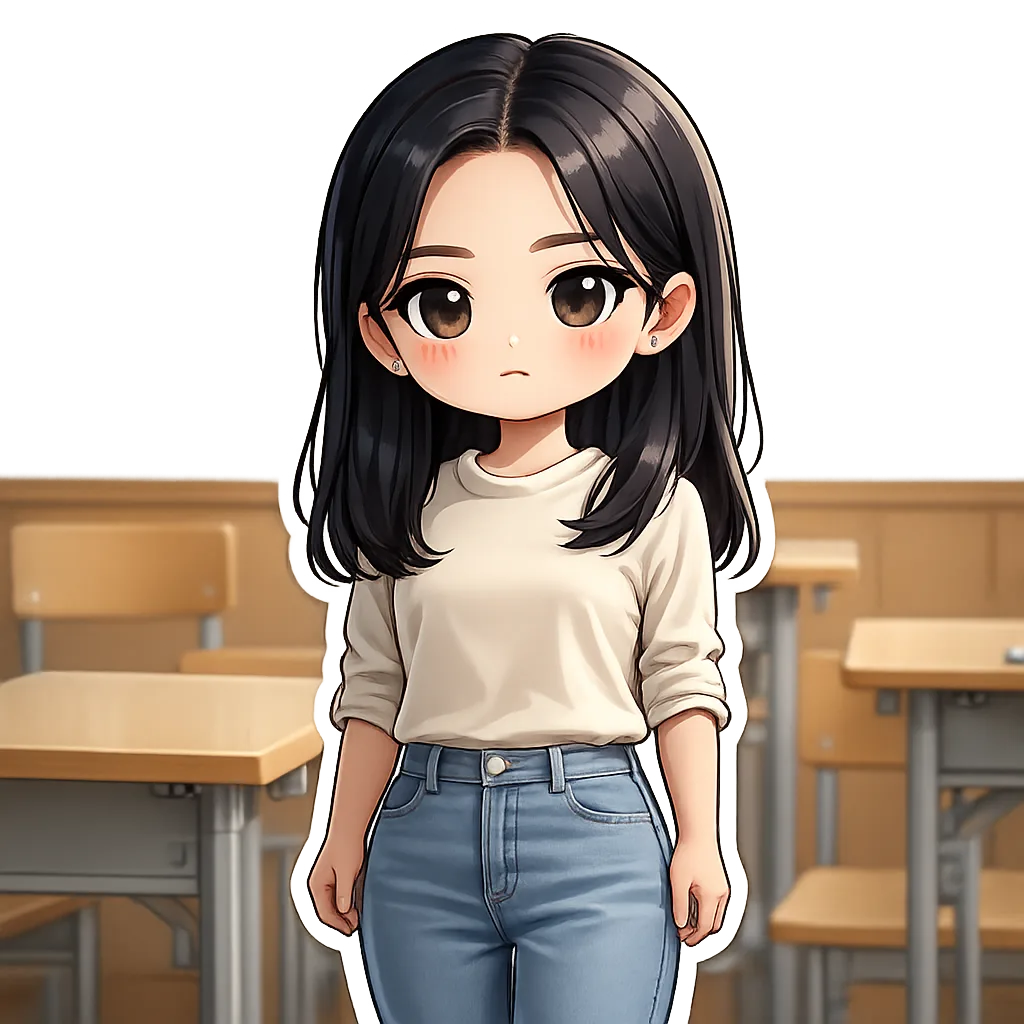
5. Generate & Download Your Character Card
Once satisfied, click 'Generate' and watch as your final chibi character card appears in seconds. You can download it in high resolution or directly share it to platforms like TikTok, Twitter (X), or WhatsApp. Need multiple versions? Try generating a set using the Emoji Pack tool to create themed stickers!
Beyond Selfies: Other Fun Uses of chibi.pics
The magic doesn’t stop at personal avatars. Use chibi.pics to:
- Create matching couple portraits with the Couple Merge tool
- Turn pets into cute chibi animals with the Pet Portrait Generator
- Animate your chibi with Image Animate for fun video messages
- Design custom puzzles from your chibi image using the Puzzle Game feature
Final Thoughts: Draw Chibi Art Without Drawing Skills
Learning how to draw chibi characters traditionally takes time and practice — mastering chibi drawing base, proportions, and facial expressions isn't easy. But now, thanks to AI, anyone can enjoy creating chibi art instantly.
If you've ever wondered how to draw chibi but felt intimidated by blank canvases or complex tutorials, chibi.pics offers a stress-free alternative. With tools like Custom Chibi, Text to Image, and the powerful AI Nano Banana Pro Image Editor, you can generate flawless chibi images — no artistic talent required.
Best of all? There's a free plan available, and the site supports multiple languages including English, Spanish, French, Chinese, Japanese, and Arabic. So why wait? Head over to chibi.pics today and turn your photo into a kawaii character card in minutes!
コメント
この記事について感想をシェアしてください。
コメントを投稿するにはログインが必要です。
ログインしてコメントする