How to Use Image to Image to Create profile picture
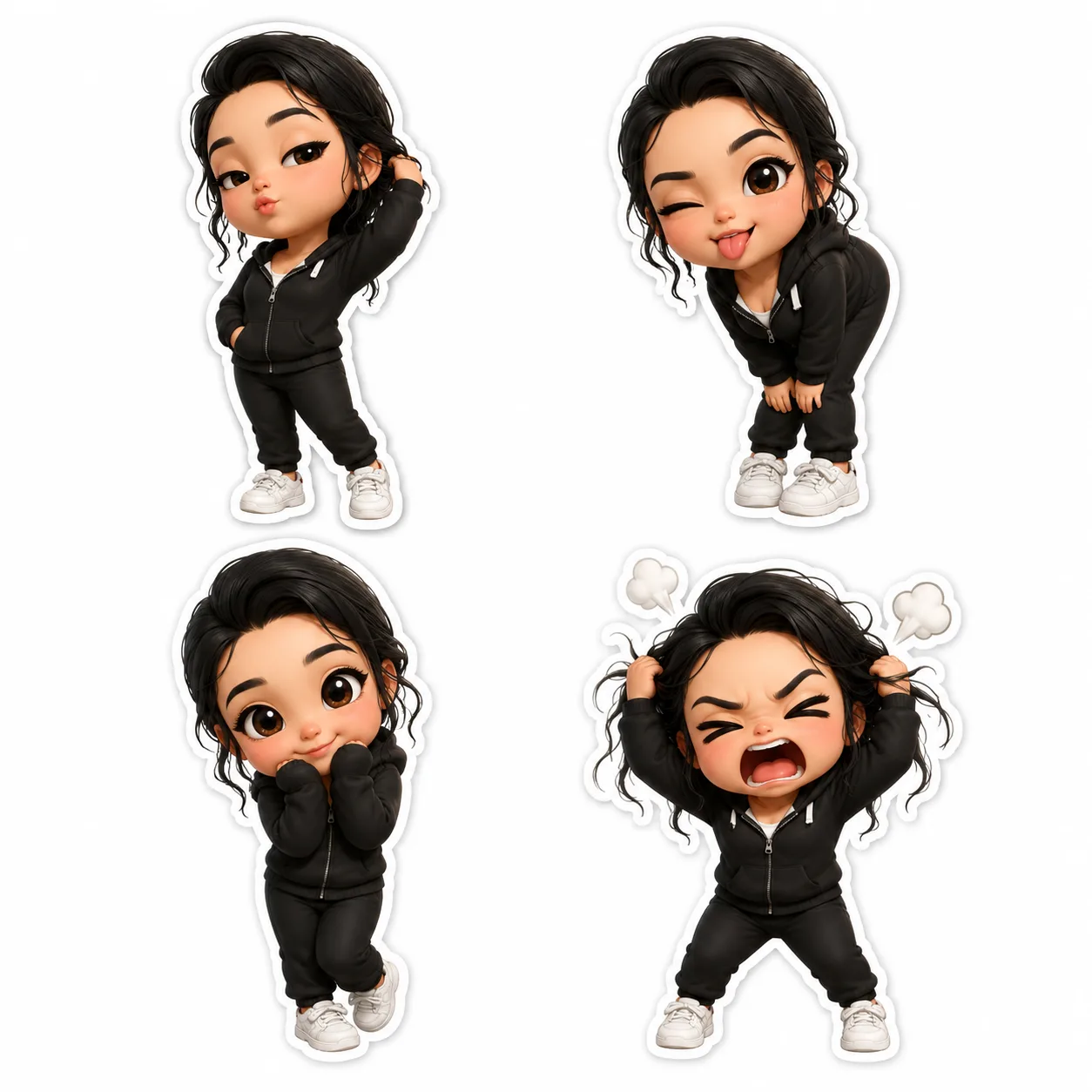
Discover how to create a chibi profile picture easily with chibi.pics' Image to Image tool—no drawing skills or prompt writing needed.
Introduction to Creating Chibi Profile Pictures with Image to Image
Are you looking to create a unique chibi style profile picture without any drawing skills or complex prompt writing? At chibi.pics, our Image to Image tool offers an intuitive, one-click generation process that transforms your existing images into adorable chibi art style portraits. This article will guide you through how to use this powerful feature, while introducing other exciting tools and tips for chibi lovers.
Understanding the Image to Image Feature on chibi.pics
What is Image to Image?
The Image to Image tool at chibi.pics allows you to upload your original photo and convert it seamlessly into a charming chibi character. Unlike traditional chibi maker free platforms that require drawing skills or complicated commands, this tool simplifies the process with AI-powered generation tailored for beginners and pros alike.
Step-by-Step Guide to Using Image to Image
Getting started is easy and fun. Here's how you can create your custom chibi profile picture:
- Upload Your Image: Choose a clear face photo or any image you want to transform.
- Customize Your Chibi Look: Use options to adjust chibi body proportions, hairstyles, and poses to match your style.
- One-Click Generation: Simply click the generate button and watch your chibi character come to life instantly.
- Download and Share: Save your new chibi profile picture or edit further using our Image Editor tool.
Benefits of Using Image to Image
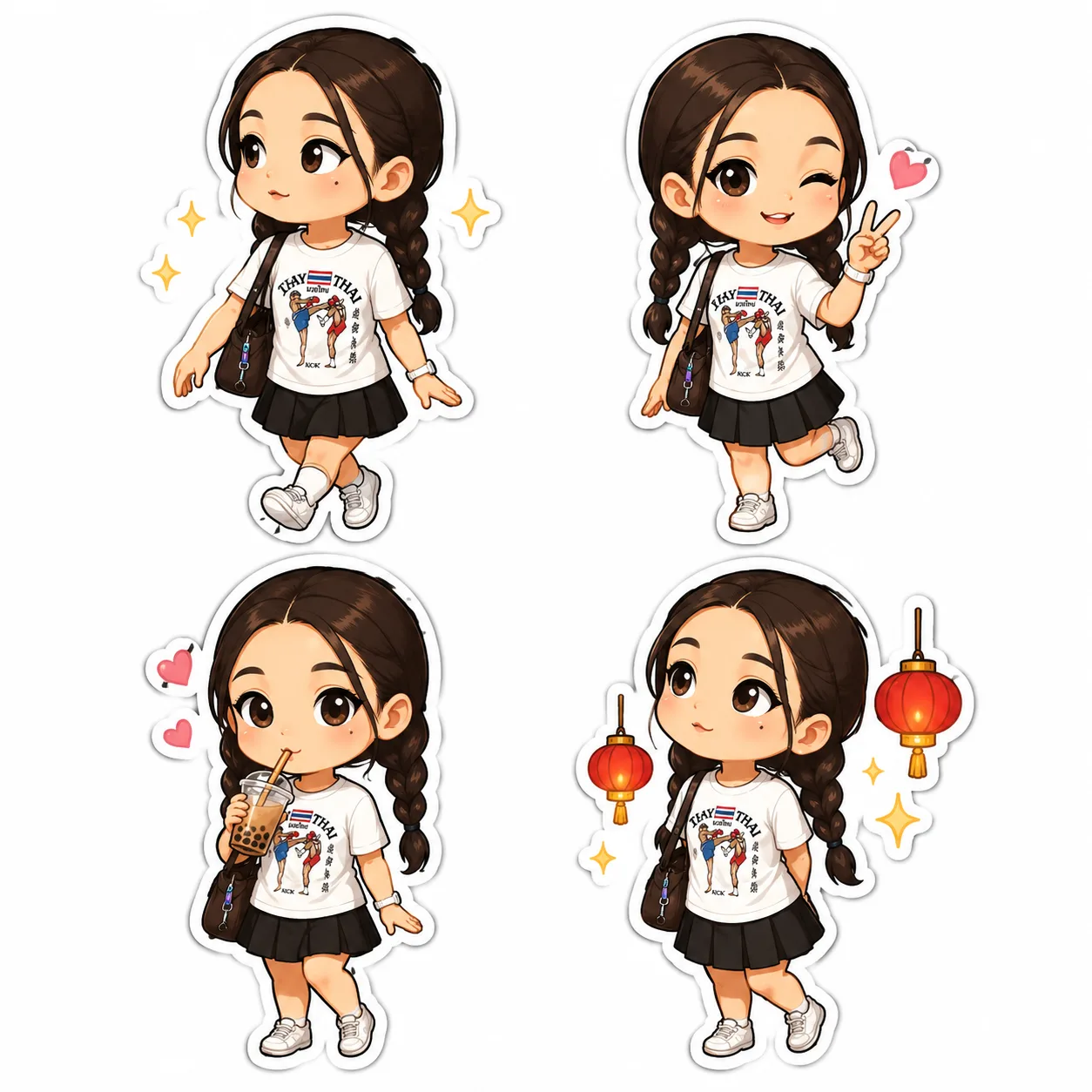
- No Drawing Skills Needed: Perfect for users unfamiliar with traditional chibi drawing bases or techniques.
- No Prompt Writing: Avoid the hassle of crafting clipart prompt generators; our AI handles it all.
- Quick and Accurate: Generate chibi anime style portraits with minimal effort.
Exploring Other Core Features on chibi.pics
Text to Image
Create chibi images from text descriptions, ideal for exploring different chibi poses and designs.
Image Editor
Fine-tune your chibi art with easy-to-use editing tools that let you customize colors, backgrounds, and accessories.
Custom Chibi
Design completely personalized chibi characters by selecting body types, hair, and clothing options.
Emoji Pack and Couple Merge
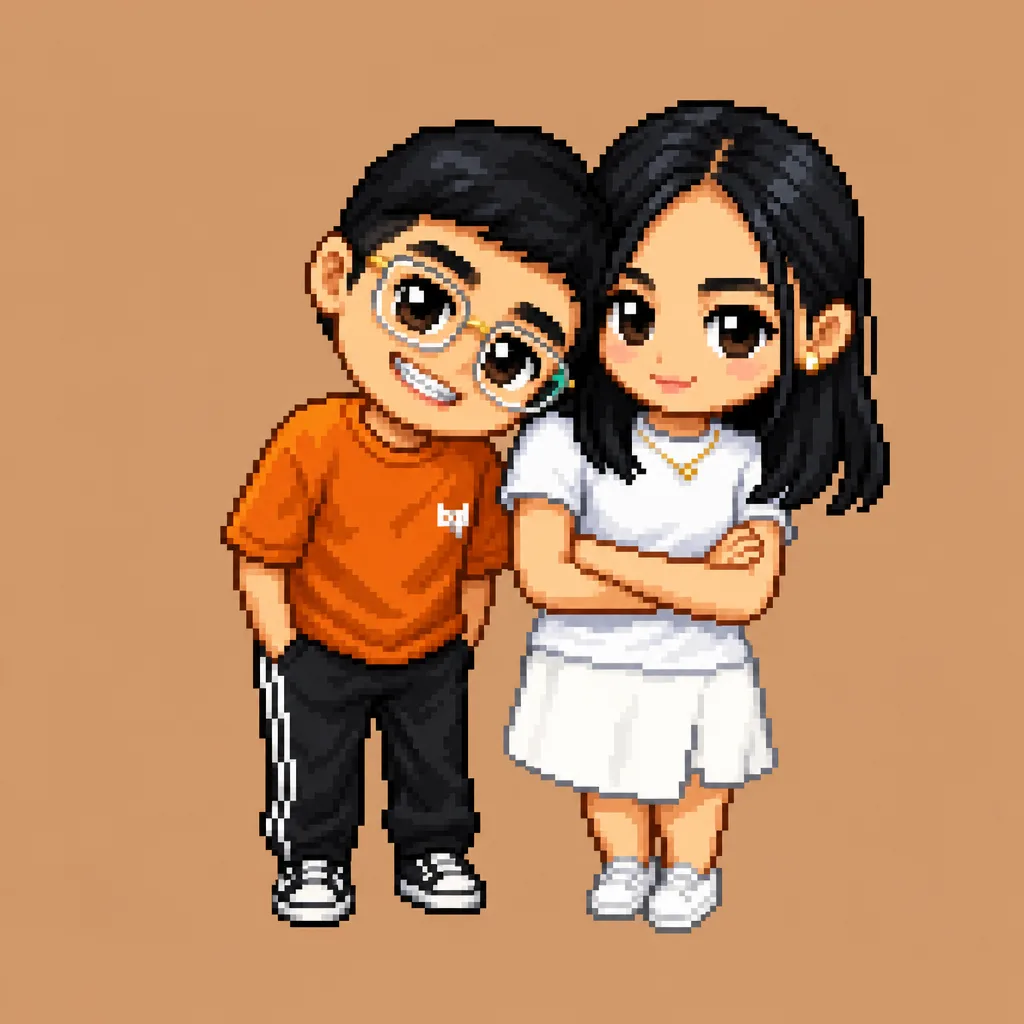
Enhance your chats with chibi emoji packs or merge two characters for couple portraits.
Pet Portrait and Image Animate
Don’t forget you can create adorable chibi pets or animate your characters for extra charm.
Tips for Making the Most of Your Chibi Creations
Experiment with Different Styles
Try mixing chibi art style elements such as chibi hair, chibi body shapes, and poses to find the perfect look.
Use the Chibi Base and Drawing Bases
If you want to learn how to draw chibi or customize further, start with our chibi drawing base templates.
Leverage AI Chibi Generator for Speed
Make quick iterations using our AI chibi generator to explore multiple concepts without any hassle.
Conclusion: Start Creating Your Chibi Profile Picture Today
Whether you're new to chibi art or a seasoned fan, chibi.pics offers a comprehensive suite of tools designed for creativity and ease. The Image to Image feature stands out as a beginner-friendly, no-fuss method to create delightful chibi characters from your photos. Visit https://www.chibi.pics now and start generating your custom chibi profile picture with just one click!
コメント
この記事について感想をシェアしてください。
コメントを投稿するにはログインが必要です。
ログインしてコメントする